How to Use ChatGPT for Beginners: A Complete Guide to Getting Started with AI
ChatGPT has become one of the most popular artificial intelligence tools for students, professionals, business owners, content creators, and everyday users. It can answer questions, generate content, write code, summarize information, assist with research, and much more. For beginners, understanding how ChatGPT works and how to communicate effectively with it can significantly improve productivity and learning. This guide explains everything a beginner needs to know about using ChatGPT, including setup, prompting techniques, practical use cases, benefits, limitations, and best practices.
Introduction
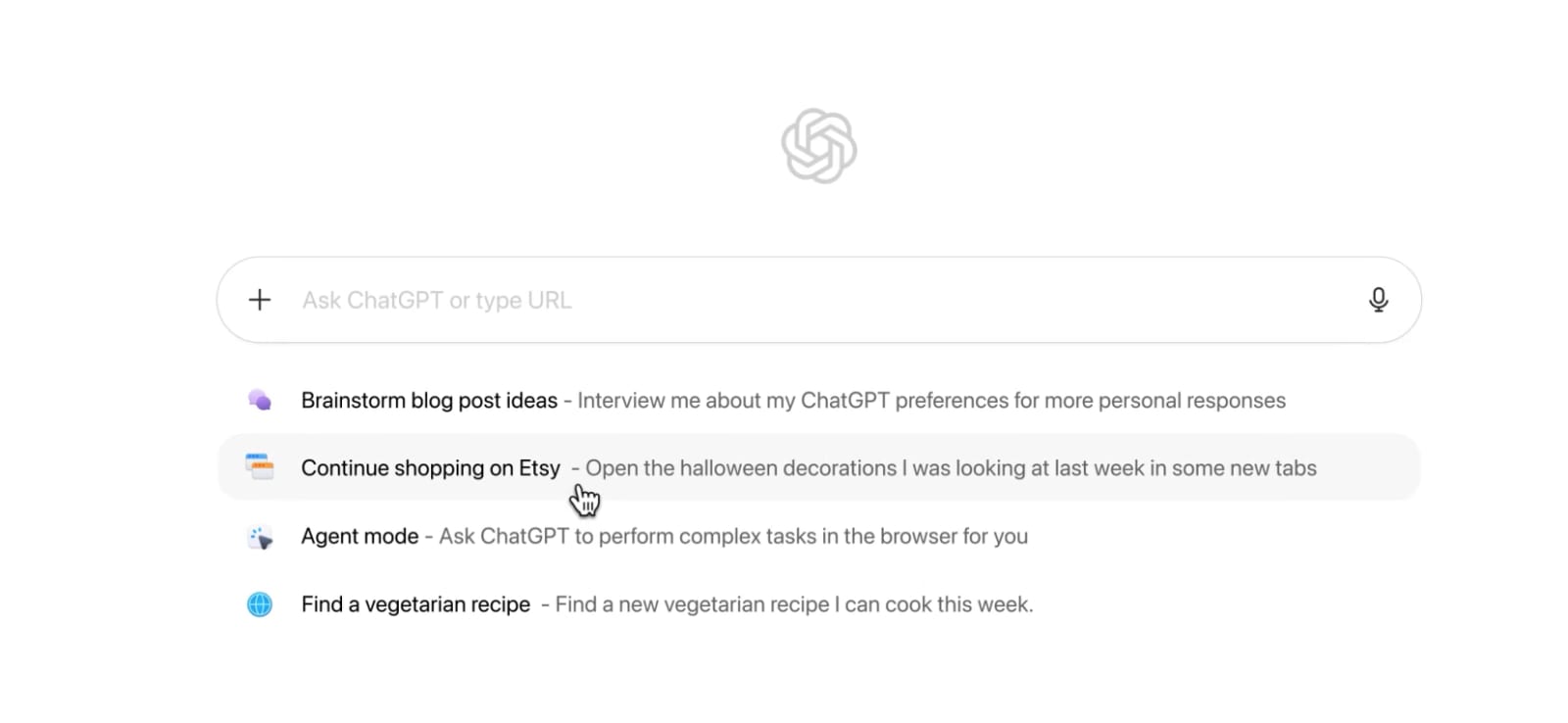
Artificial intelligence is transforming how people work, learn, and communicate. Among the many AI tools available today, ChatGPT stands out because of its ability to understand natural language and generate human-like responses. Whether you need help writing an email, solving a coding problem, creating blog content, learning a new skill, or brainstorming ideas, ChatGPT can act as a virtual assistant available 24 hours a day.
For beginners, the first interaction with ChatGPT can be both exciting and confusing. Many users are unsure what questions to ask, how detailed their instructions should be, or how to get the most useful responses. The good news is that ChatGPT is designed to be easy to use. You simply type a question or request, and the AI responds based on the information provided.
This guide will walk you through the basics of ChatGPT and show you how to use it effectively from day one.
What Is ChatGPT?
ChatGPT is an AI-powered conversational assistant developed by OpenAI. It uses advanced language models trained on vast amounts of text to understand user requests and generate relevant responses.
Unlike traditional search engines that provide links to websites, ChatGPT focuses on generating direct answers, explanations, recommendations, and content based on the user's input.
ChatGPT can assist with:
Writing articles and blogs
Coding and programming
Learning new subjects
Creating marketing content
Drafting emails
Solving problems
Generating ideas
Language translation
Research assistance
Business productivity tasks
Why Is ChatGPT So Popular?
ChatGPT has gained popularity because it makes complex tasks easier and faster.
Some major benefits include:
Easy to Use
No technical expertise is required. Users simply type questions in natural language.
Saves Time
Tasks that normally take hours can often be completed in minutes.
Available Anytime
ChatGPT can assist users around the clock without scheduling appointments or waiting for support.
Supports Multiple Industries
Students, teachers, marketers, developers, writers, and entrepreneurs can all benefit from AI assistance.
How to Get Started with ChatGPT
Using ChatGPT is straightforward.
Step 1: Create an Account
Visit the ChatGPT platform and sign up using an email address or supported login method.
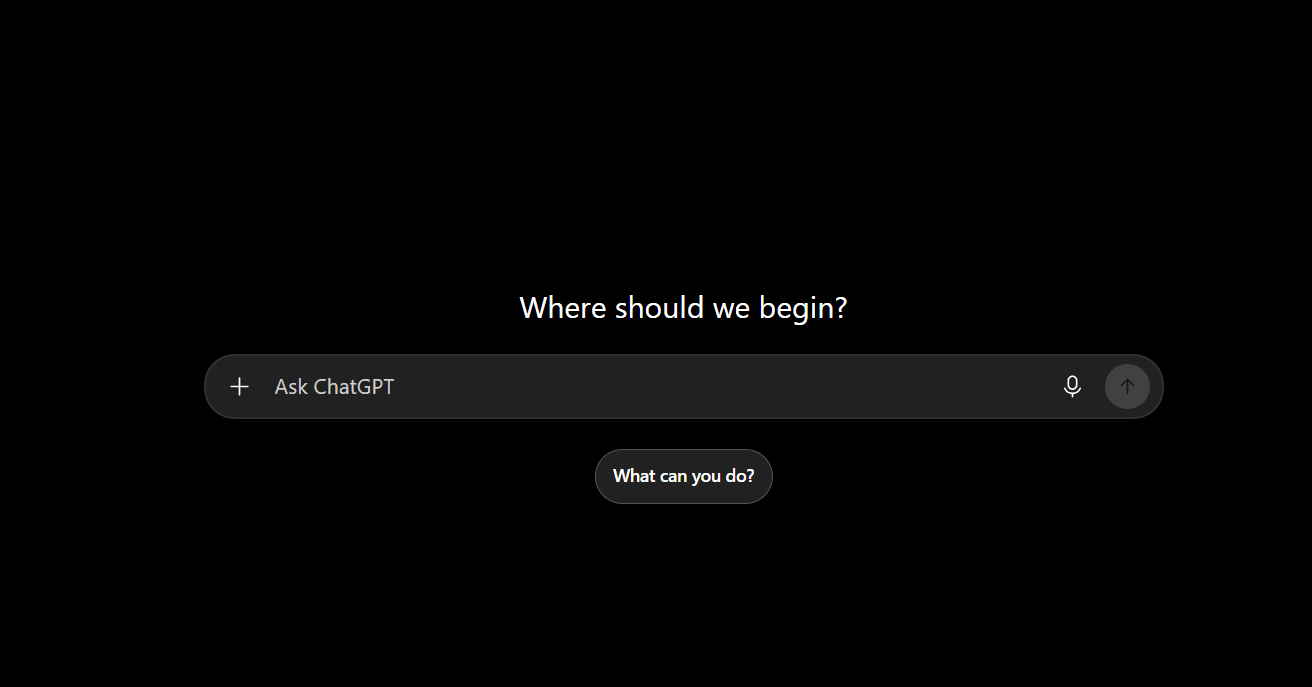
Step 2: Open a New Chat
After logging in, start a new conversation.
Step 3: Enter Your Question
Type your request clearly.
Example:
"Explain digital marketing for beginners."
Step 4: Review the Response
ChatGPT will generate an answer based on your prompt.
Step 5: Ask Follow-Up Questions
You can continue the conversation and request additional details or clarification.
Understanding Prompts
A prompt is the instruction you provide to ChatGPT.
The quality of your prompt often determines the quality of the response.
Weak Prompt
"Write about marketing."
Better Prompt
"Write a 1000-word beginner-friendly article about digital marketing with headings and practical examples."
The more details you provide, the more useful the output becomes.
Best Ways Beginners Can Use ChatGPT
Learning New Skills
ChatGPT can explain concepts in simple language.
Examples:
Web development
SEO
Python programming
Digital marketing
Graphic design
Data analysis
Writing Content
ChatGPT can help create:
Blog posts
Product descriptions
Social media captions
Emails
Reports
Case studies
Coding Assistance
Developers use ChatGPT for:
Debugging code
Learning frameworks
Understanding algorithms
Generating code examples
Explaining programming concepts
Studying and Education
Students can use ChatGPT to:
Summarize chapters
Solve practice questions
Understand difficult topics
Create study plans
Generate revision notes
Business Productivity
Businesses use ChatGPT for:
Customer support drafts
Marketing campaigns
Market research
Business planning
Documentation
Tips for Writing Better Prompts
Be Specific
Instead of:
"Write a blog."
Try:
"Write a 1500-word SEO blog about email marketing for small businesses."
Define the Audience
Example:
"Explain cloud computing to a beginner."
Specify the Format
You can request:
Bullet points
Tables
FAQs
Step-by-step guides
Summaries
Provide Context
The more information you give, the better ChatGPT can tailor its response.
Common Mistakes Beginners Make
Using Very Short Prompts
Brief prompts often generate generic responses.
Expecting Perfect Accuracy
ChatGPT can occasionally make mistakes. Always verify important information.
Not Asking Follow-Up Questions
Many users stop after the first answer instead of refining the conversation.
Ignoring Context
Providing background information improves results significantly.
Advantages of ChatGPT
Increased Productivity
Tasks can be completed much faster.
Cost-Effective Assistance
Many tasks that would require external help can be handled using AI.
Improved Learning
Complex concepts can be explained in simple terms.
Creativity Support
Writers, marketers, and designers can generate ideas quickly.
Limitations of ChatGPT
Although powerful, ChatGPT is not perfect.
Can Make Errors
Responses may occasionally contain inaccuracies.
Requires Good Prompts
Poor instructions often lead to poor results.
Cannot Replace Human Expertise
Professional advice should still come from qualified experts in fields such as medicine, law, and finance.
Depends on User Input
The AI can only work with the information provided.
The Future of AI Assistants
Artificial intelligence tools are expected to become even more capable in the coming years. Future versions may offer improved personalization, better reasoning abilities, enhanced multimodal capabilities, and deeper integration with business workflows.
As AI adoption grows, learning how to use tools like ChatGPT effectively will become an increasingly valuable skill for students and professionals alike.