If you search “best AI tools 2026”, you get endless listicles that repeat the same five logos. AIWedia is built differently: a directory of categories you can browse by job — writing, design, coding, HR, study, football content, and more. This guide shows how to use it without drowning in subscriptions.
Start at the hub
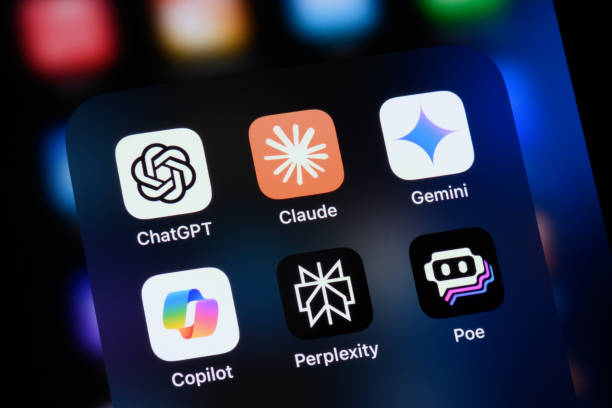
Open the AI directory hub and general AI tools for chatbots and assistants (ChatGPT, Claude, Gemini, Perplexity, Mistral).
Creator & marketing stack
- AI writing — blogs, ads, email.
- AI images — Midjourney, DALL·E, Firefly.
- AI video — Sora-class tools and editors.
- AI SEO — Surfer, Ahrefs AI, Frase.
- Social AI — captions, scheduling, carousels.
Developer & automation
Deep dive: vibe coding guide 2026.
Work & study
Pair AI with free utilities
Not everything needs a model. PDF merge, thumbnail download, grammar check, and live scores live on free tools — including World Cup live scores during tournament season.
How to pick in 10 minutes
- List your top 3 weekly tasks.
- Match each to one AIWedia category.
- Test free tiers; pay only for the task that saves 2+ hours/week.
- Bookmark favorites on AIWedia to compare later.
FAQ
How many AI tools do I need?
Most people thrive with 3–5 paid tools plus free utilities.
Is AIWedia free to use?
Browsing the directory and tool pages is free; vendor tools have their own pricing.