ChatGPT vs Gemini vs Claude 2026: Which AI Is Best?
ChatGPT vs Gemini vs Claude in 2026: compare features, pricing, coding, writing, research, reasoning, image generation, and overall performance to find the best AI.
Artificial intelligence tools have become part of everyday work in 2026. Students use them to understand difficult topics, creators use them for ideas and scripts, developers use them for code, and businesses use them to save time on repetitive tasks.
ChatGPT, Google Gemini, and Claude are three of the most popular AI assistants. All three can write, summarize, answer questions, analyze files, and help with coding. But they are not exactly the same.
The best choice depends on what you need. ChatGPT is a strong all-rounder, Gemini works especially well for people who use Google products, and Claude is often preferred for long documents, structured writing, and thoughtful explanations.
Quick Comparison: ChatGPT vs Gemini vs Claude
Feature | ChatGPT | Google Gemini | Claude |
|---|---|---|---|
Best for | General use, creativity, coding, and flexible tasks | Google Workspace users and research | Long documents, writing, and detailed analysis |
Writing | Creative, adaptable, and conversational | Fast and practical | Clear, natural, and structured |
Coding | Strong for debugging, explanations, and project help | Useful for Google-based workflows and code questions | Excellent for reviewing complex code and reasoning |
Research | Can search the web and provide source-backed answers when enabled | Works well with Google’s ecosystem and research tools | Strong at analyzing supplied documents and information |
File analysis | Supports files, images, and data tasks depending on plan | Works with files and Google Drive content | Strong for reading long PDFs, documents, and files |
Best audience | Students, creators, developers, and general users | Google Docs, Gmail, Drive, and Android users | Writers, researchers, analysts, and teams |
ChatGPT: Best All-Round AI Assistant
ChatGPT is usually the easiest choice if you want one AI tool for many different tasks. It can help with writing, coding, brainstorming, planning, learning, image-related tasks, file analysis, and web research.
One of ChatGPT’s biggest strengths is flexibility. You can ask it to write a blog outline, explain JavaScript, create a study timetable, improve an email, debug an error, or turn raw notes into a professional document. It also handles follow-up questions naturally, which makes conversations feel less repetitive.
For creators, ChatGPT is useful for video ideas, social-media captions, blog outlines, product descriptions, and marketing drafts. Developers can use it to understand code, generate API examples, troubleshoot bugs, and plan features.
ChatGPT also includes tools such as web search, file uploads, voice features, data analysis, and connected apps depending on the plan and availability.
ChatGPT is best for:
Everyday questions and learning
Blog writing and content planning
Coding help and debugging
Creative ideas and brainstorming
Data analysis and file-based tasks
Users who want one flexible AI assistant
Where ChatGPT can be weaker
ChatGPT can still make mistakes, especially when a prompt is vague or asks for current information without web search. It may also give an answer confidently even when the answer needs verification. For important legal, medical, business, or financial decisions, always verify the final information from trusted sources.
Google Gemini: Best for Google Workspace Users
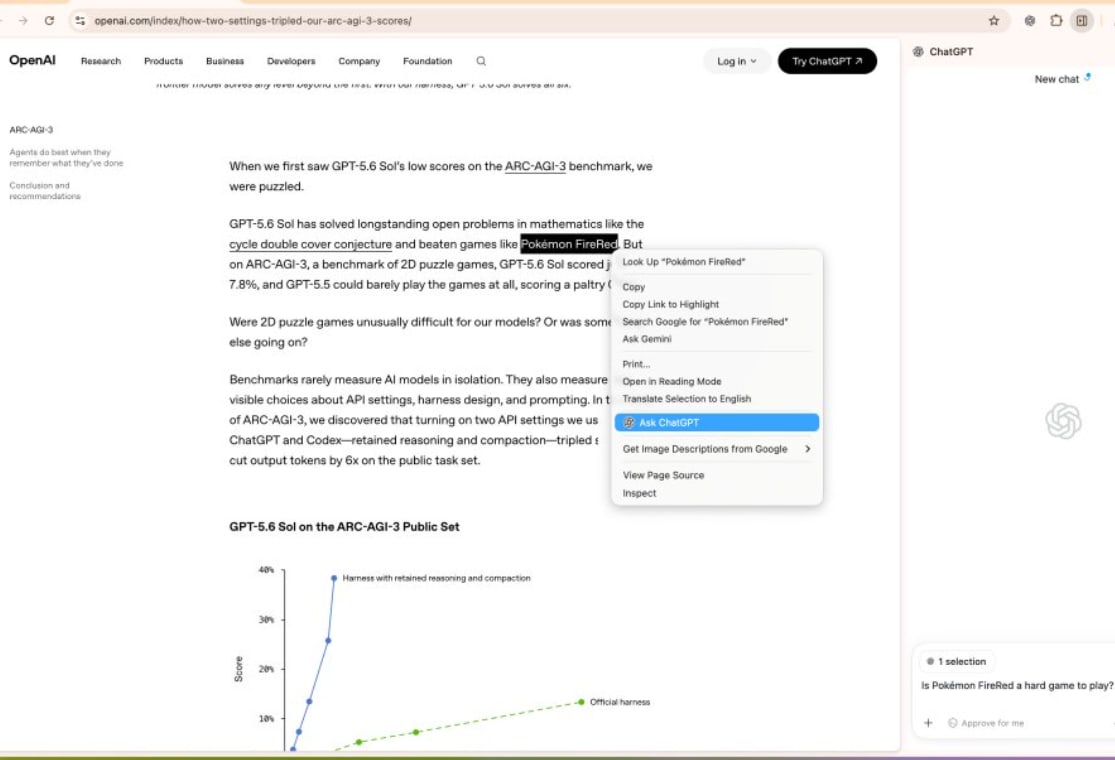
Google Gemini is a strong option for users who already rely on Google Search, Gmail, Google Docs, Google Drive, Android, and other Google services.
Its main advantage is ecosystem convenience. If your notes, documents, spreadsheets, and emails are already connected to Google tools, Gemini can fit naturally into your workflow. You can use it to summarize documents, organize ideas, review writing, prepare outlines, and understand information from files.
Gemini is especially useful for students and office users. For example, a student can use it to summarize a long chapter, turn notes into revision questions, or create a presentation outline. A working professional can use it to prepare meeting notes, write emails, review documents, or brainstorm reports.
Google continues to add features around document uploads, Deep Research, audio overviews, and advanced Gemini models through its paid plans.
Gemini is best for:
Google Docs and Google Drive users
Gmail and Workspace workflows
Android users
Students working with notes and files
Research preparation
Fast productivity tasks
Where Gemini can be weaker
Gemini is most valuable when you are already inside the Google ecosystem. If you do not use Google services much, its biggest advantage may matter less. Like every AI tool, it can also misunderstand context or produce inaccurate details, so users should review important outputs before using them.
Claude: Best for Long Documents and High-Quality Writing
Claude is widely appreciated for clear writing, long-context conversations, and thoughtful analysis. It is especially useful when you need to read lengthy PDFs, research documents, reports, meeting notes, or large amounts of text.
Claude often produces responses that feel organized and easy to read. It is a good choice for people who want help improving an article, restructuring a report, simplifying complex information, or reviewing a long document.
For developers, Claude can be helpful when working through a large codebase, understanding code logic, reviewing implementation decisions, or fixing complicated bugs. Anthropic positions Claude for work involving text, code, and images, while its models are designed to follow detailed instructions and reason through complex tasks.
Claude is best for:
Reading and summarizing long documents
Professional writing and editing
Research notes and reports
Detailed explanations
Code review and complex debugging
Users who prefer well-structured responses
Where Claude can be weaker
Claude may not feel as broad as ChatGPT for users who want many different built-in tools in one place. It can also be more cautious with some requests. That is often helpful for safety, but it may feel limiting when a user wants a quick, direct answer.
Which AI Is Best for Students?
For most students, ChatGPT is the best general option because it can explain concepts, create practice questions, improve assignments, help with coding, and assist with study plans.
Gemini is a great alternative for students who keep class notes and assignments in Google Drive or Google Docs. It can be convenient for organizing study material within tools they already use.
Claude is best for students who need to understand long articles, research papers, chapters, or detailed notes. It can help turn complicated material into simpler explanations and structured revision content.
Which AI Is Best for Coding?
ChatGPT, Gemini, and Claude can all help with programming, but the best choice depends on the task.
ChatGPT is a strong option for beginners because it explains code in simple language and can help with debugging, APIs, frontend development, backend logic, and project planning.
Gemini can be useful if your development work connects closely with Google Cloud, Android, Firebase, or Google Workspace. It is also useful for quick code questions and research.
Claude is often a strong choice for reviewing larger code files, understanding complicated logic, and working through detailed technical problems. Developers may prefer it when they need a more structured explanation of a codebase or implementation.
Which AI Is Best for Content Writing?
ChatGPT is ideal for content creators who need many ideas quickly. It can help with blog outlines, headlines, YouTube scripts, SEO drafts, email campaigns, and social-media content.
Claude is often better when the goal is polished long-form writing. It can help improve flow, tone, clarity, and structure without making the writing feel overly robotic.
Gemini is useful for quick writing tasks, especially when content is being created in Google Docs or connected to research and files stored in Drive.
The best approach is not to publish raw AI content immediately. Use AI for research, outlines, first drafts, and editing, then add your own experience, examples, opinions, and fact-checking.
Pricing and Free Plans
All three platforms generally offer a free way to try their AI assistants, but free-plan limits, available models, file access, and premium features can change frequently.
Paid plans usually provide higher limits, access to stronger models, faster responses, larger file support, and additional features. Before choosing a subscription, check the official pricing page for your country because plan availability and pricing can vary.
ChatGPT vs Gemini vs Claude: Final Verdict
There is no single winner for every person.
Choose ChatGPT if you want the best all-purpose AI assistant for writing, coding, brainstorming, research, learning, and everyday work.
Choose Gemini if you use Google Docs, Gmail, Drive, Android, or Google Workspace regularly and want AI that fits into that environment.
Choose Claude if you work with long documents, detailed writing, research material, or complex code and prefer clear, structured answers.
For many users, the smartest option is to test all three free versions. Give each tool the same task, such as summarizing a document, writing an email, or explaining code. Then choose the one that gives you the most useful result for your real work.