Gemini vs ChatGPT in 2026: Which AI Assistant Is Better?
Gemini vs ChatGPT in 2026: compare AI capabilities, writing, coding, research, image generation, integrations, pricing, and more to find the best AI assistant.
Gemini vs ChatGPT in 2026: Which AI Assistant Is Better?
Artificial intelligence assistants have become part of everyday work. People use them to write blogs, summarize documents, learn coding, create images, research topics, plan tasks, and much more.
Two of the biggest names are Google Gemini and ChatGPT by OpenAI.
Both are powerful, but they are not exactly the same. Gemini is closely connected with Google’s ecosystem, while ChatGPT is widely used for conversation, writing, coding, creative work, and custom AI workflows.
So, which one is better in 2026?
The simple answer is: it depends on what you need. In this guide, we compare Gemini and ChatGPT in a practical way so you can choose the right AI assistant for your work.
Gemini vs ChatGPT: Quick Comparison
Feature | Gemini | ChatGPT |
|---|---|---|
Best for | Google Workspace users and Google search-based tasks | Writing, coding, learning, and general productivity |
Ecosystem | Google apps such as Gmail, Docs, Drive, Android | OpenAI tools, custom GPTs, file analysis, coding workflows |
Writing style | Direct and structured | Natural, flexible, and conversational |
Coding help | Good for explanations and Google-related workflows | Strong for debugging, code generation, and project planning |
Image generation | Available in supported Gemini experiences | Available in supported ChatGPT plans and tools |
File handling | Useful within Google Drive and Workspace | Strong for document analysis, spreadsheets, and uploads |
Customization | Gemini Gems and Google-based workflows | Custom GPTs and personalized instructions |
Best choice for beginners | Easy for users already using Google products | Easy for users who want a simple all-purpose AI assistant |
What Is Google Gemini?
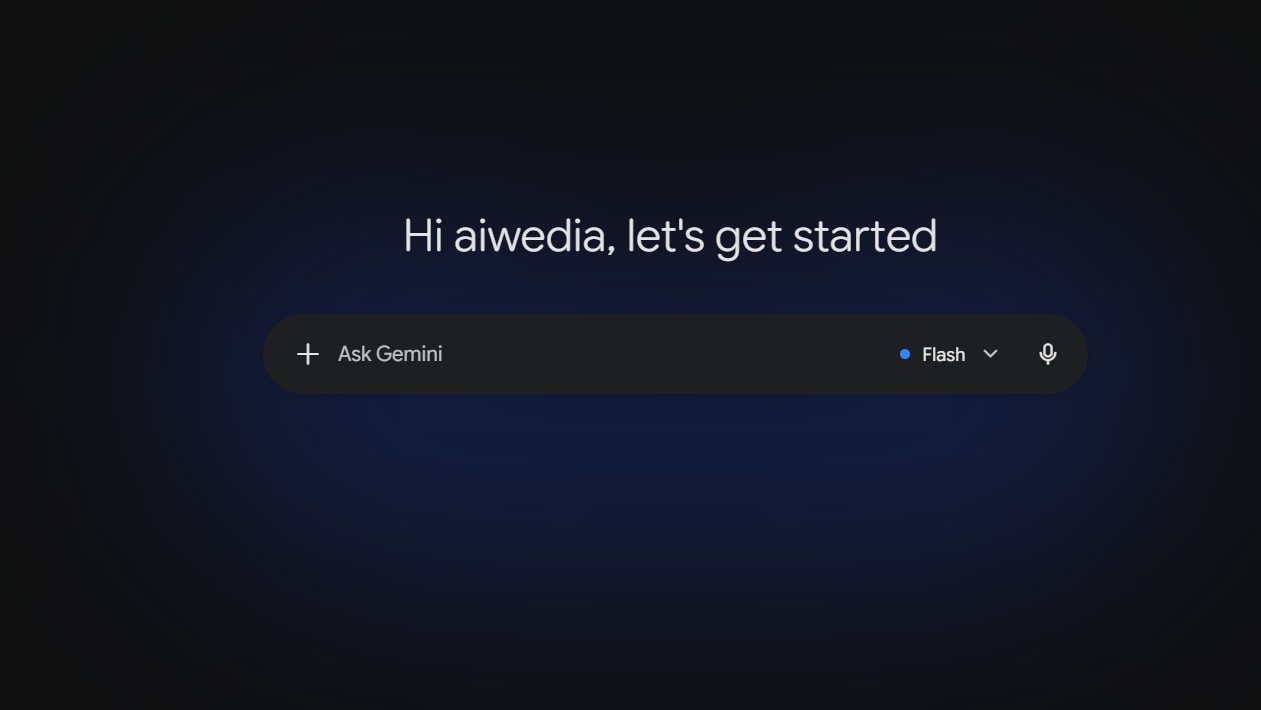
Google Gemini is an AI assistant created by Google. It is designed to help with writing, research, coding, planning, image-related tasks, and productivity work.
One of Gemini’s biggest advantages is its connection with Google products. If you regularly use Gmail, Google Docs, Google Drive, Google Sheets, Google Search, or Android, Gemini can fit naturally into your workflow.
For example, Gemini can be helpful when you want to:
Summarize a long Google Doc
Draft an email in Gmail
Organize ideas from Drive files
Create a travel plan using Google services
Get help while using Android devices
Research a topic and build a quick summary
Gemini is especially attractive for people who already live inside the Google ecosystem.
What Is ChatGPT?
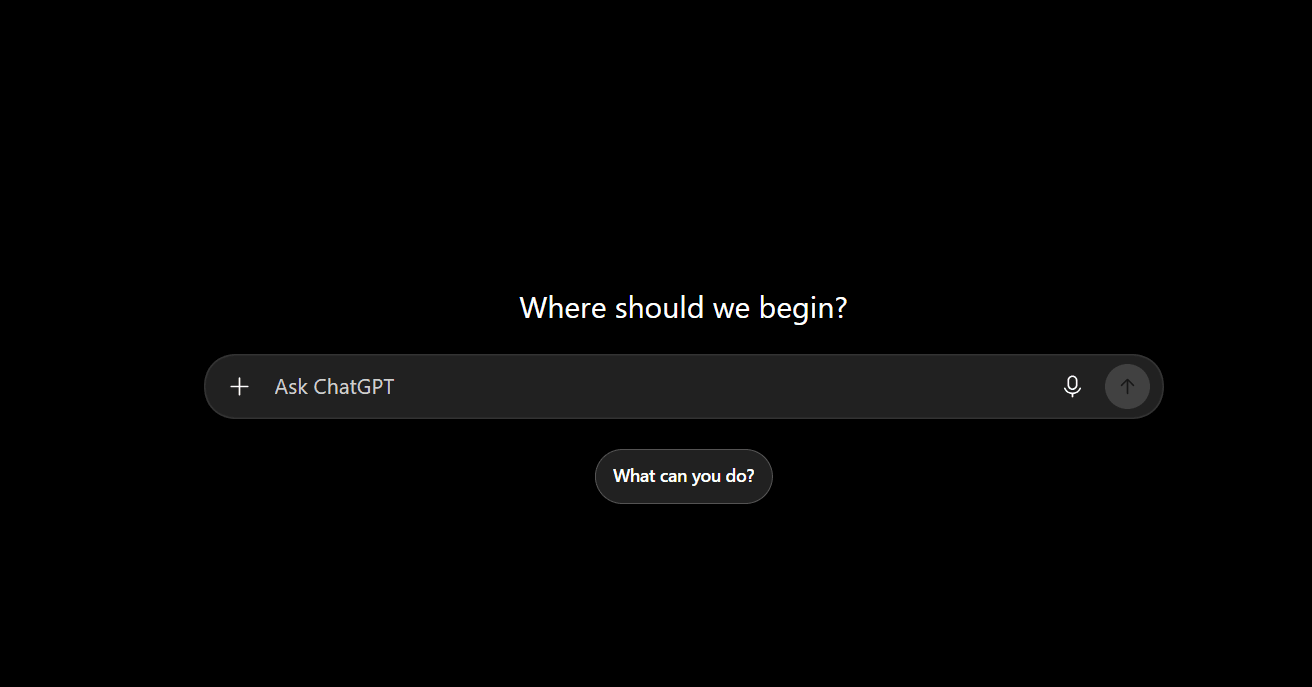
ChatGPT is an AI assistant developed by OpenAI. It is known for natural conversation, content writing, coding support, research assistance, brainstorming, image generation, and file analysis.
ChatGPT is used by students, developers, marketers, freelancers, businesses, and creators because it can handle many types of work in one place.
You can use ChatGPT to:
Write blog posts and social media captions
Fix code errors
Explain difficult topics in simple language
Create business ideas
Analyze uploaded documents
Make content outlines
Generate images
Build custom AI assistants for specific tasks
ChatGPT is often preferred by people who want a flexible AI tool that can adapt to different types of work.
Gemini vs ChatGPT for Writing
Both Gemini and ChatGPT can write emails, articles, product descriptions, scripts, and social media content. However, their writing styles can feel different.
ChatGPT is generally stronger when you want a natural, human-like tone. It is useful for long-form blog posts, storytelling, rewriting, content ideas, and editing text for a specific audience.
For example, you can ask ChatGPT to write:
It can usually understand the tone, structure, and audience very well.
Gemini is also good at writing, especially when the content is connected to Google Docs, Gmail, or research notes. It can be useful for quick professional drafts, summaries, and structured information.
Best choice for writing: ChatGPT
ChatGPT is usually the better option for bloggers, content writers, marketers, and creators who need flexible writing styles.
However, you should always review AI-generated content before publishing. Add your own examples, experience, research, screenshots, and opinions to make the article more useful and original.
Gemini vs ChatGPT for Coding
Coding is one of the biggest reasons people use AI assistants.
ChatGPT is very popular among developers because it can explain code, generate components, debug errors, write APIs, create database queries, and help plan complete projects.
It works well for technologies such as:
JavaScript
React
Next.js
Node.js
Python
Java
SQL
HTML and CSS
APIs and databases
For example, a developer can paste an error message and ask ChatGPT to explain the issue step by step. It can also suggest improvements for project structure, security, performance, and SEO.
Gemini is also capable of coding support. It can be useful for explaining code, generating snippets, and helping people who use Google Cloud or Android-related tools.
But for many developers, ChatGPT feels more helpful in longer coding conversations because it can keep track of project context and explain solutions in a more conversational way.
Best choice for coding: ChatGPT
ChatGPT is often the better choice for debugging, learning programming, building web projects, and getting detailed coding explanations.
Gemini vs ChatGPT for Research
Research is an area where both tools can be useful, but users should be careful.
Gemini has a natural advantage because Google is one of the world’s biggest search companies. It can be useful for finding quick information, exploring topics, comparing products, and working with Google-based information.
ChatGPT is also useful for research when web access is available. It can help you understand complex sources, compare viewpoints, organize notes, and turn research into an outline or article draft.
However, neither AI assistant should be treated as a final source of truth.
AI tools can sometimes provide outdated, incomplete, or incorrect details. For important topics such as finance, health, law, pricing, software updates, or news, always check official websites and reliable sources.
Best choice for research: Gemini for Google-focused work, ChatGPT for analysis
Use Gemini if your workflow depends heavily on Google Search and Google Workspace. Use ChatGPT when you want deeper explanations, content organization, or research summaries.
Gemini vs ChatGPT for Google Workspace
This is where Gemini has a clear advantage.
If you use Gmail, Docs, Sheets, Slides, and Drive every day, Gemini can save time by helping inside those tools. It is useful for tasks such as:
Drafting replies in Gmail
Summarizing documents
Creating meeting notes
Generating spreadsheet ideas
Organizing information from Drive
Preparing presentation content
For business users who already pay for Google Workspace, Gemini can become a convenient productivity assistant.
ChatGPT can also help with these tasks if you copy text into the chat or upload files. But it may not feel as deeply connected to your daily Google workflow.
Best choice for Google Workspace: Gemini
Gemini is the better choice if most of your work happens inside Google apps.
Gemini vs ChatGPT for File Uploads and Analysis
Both AI assistants can work with files, depending on the plan and available features.
ChatGPT is especially useful for analyzing PDFs, spreadsheets, reports, code files, screenshots, and documents. You can upload a file and ask questions such as:
“Summarize this PDF.”
“Find the important numbers in this spreadsheet.”
“Explain this error log.”
“Turn this document into a presentation outline.”
“Extract action items from this meeting report.”
Gemini can be very useful when files are already stored in Google Drive. This makes it convenient for people who manage documents through Google Workspace.
Best choice for file analysis: ChatGPT
ChatGPT is often better for detailed analysis and follow-up questions, while Gemini is convenient for files inside Google Drive.
Gemini vs ChatGPT for Images
Both Gemini and ChatGPT offer image-related capabilities in supported versions and plans.
ChatGPT is useful when you want to create blog images, thumbnails, illustrations, product mockups, social media visuals, or creative concepts. You can describe the image you want and refine it through conversation.
Gemini can also help with image tasks and visual understanding. It may be useful for analyzing images, generating creative ideas, and working within Google’s AI products.
The best option depends on the exact image tools available in your account and your desired style.
Best choice for images: Tie
Both are useful. Test the same prompt in each tool and choose the result that matches your needs.
Gemini vs ChatGPT for Students
Students can use both tools for learning, but they should use AI as a study helper, not as a replacement for understanding.
Gemini can be useful for quick explanations, research, and Google Docs-based assignments.
ChatGPT is very useful for learning because it can explain one topic in multiple ways. For example, you can ask:
“Explain recursion like I am a beginner.”
“Teach me SQL joins with examples.”
“Give me five Java interview questions.”
“Create a study plan for web development.”
“Check my answer and tell me where I made a mistake.”
ChatGPT’s conversational approach makes it feel like a patient tutor.
Best choice for students: ChatGPT
ChatGPT is usually better for step-by-step learning, practice questions, and simplified explanations.
Gemini vs ChatGPT for Businesses
For businesses, the right choice depends on the team’s existing tools.
Choose Gemini if your company already relies on Google Workspace. It can help teams work faster in Gmail, Docs, Drive, and meetings.
Choose ChatGPT if your business needs flexible content creation, customer-support drafts, coding help, brainstorming, document analysis, or custom AI assistants.
A marketing agency may prefer ChatGPT for content creation. A company with a large Google Workspace setup may prefer Gemini for internal productivity.
In many cases, businesses can benefit from using both tools for different purposes.
Pricing: Gemini vs ChatGPT
Both Gemini and ChatGPT usually offer free access with limitations and paid plans with more advanced features.
Free plans are useful for testing basic writing, questions, and simple tasks. Paid plans may offer stronger models, higher usage limits, file uploads, advanced research features, image tools, and better performance.
Pricing and features can change over time, so always check the official Gemini and OpenAI pricing pages before choosing a subscription.
Do not select a paid plan only because it has more features. First, identify the tasks you perform every week. Then choose the tool that saves you the most time.
Which Is Better: Gemini or ChatGPT?
There is no single winner for every person.
Choose Gemini if you:
Use Gmail, Google Docs, Drive, and Google Workspace daily
Want AI assistance inside Google products
Prefer Google-connected workflows
Need quick research and productivity support
Use Android and Google services regularly
Choose ChatGPT if you:
Write blogs, scripts, emails, or marketing content
Need coding help for web development or programming
Want detailed explanations and learning support
Analyze files, documents, or spreadsheets
Need creative brainstorming and flexible conversations
Want to build custom AI assistants for specific tasks
Bottom Line
In 2026, Gemini and ChatGPT are both excellent AI assistants, but they serve slightly different needs.
Gemini is a strong choice for people who work mainly with Google products. Its biggest strength is how naturally it can fit into Gmail, Docs, Drive, and other Google services.
ChatGPT is the better all-round AI assistant for many users. It is especially strong for writing, coding, learning, brainstorming, content creation, and detailed file analysis.
If you are a blogger, developer, student, freelancer, or creator, ChatGPT may be the more flexible choice. If you are deeply connected to Google Workspace, Gemini may save more time in your daily workflow.
The best approach is simple: try both tools with your real work. Give each one the same task, compare the results, and keep the assistant that genuinely helps you work better.