ChatGPT vs Gemini: Which AI Is Better in 2026?
Compare ChatGPT vs Gemini in 2026, including features, performance, coding, writing, research, pricing, and overall AI capabilities.
Artificial intelligence assistants are now part of everyday work. Students use them to understand difficult topics, developers use them to write and debug code, marketers use them to create content, and businesses use them to save time on repetitive tasks.
Two of the biggest names in this space are ChatGPT and Google Gemini.
Both can answer questions, write content, generate ideas, summarize documents, help with coding, and support research. But they are not identical. Their strengths, integrations, writing styles, and best use cases are different.
This ChatGPT vs Gemini comparison will help you decide which one fits your needs.
Quick Comparison: ChatGPT vs Gemini
Feature | ChatGPT | Google Gemini |
|---|---|---|
Best for | Writing, coding, brainstorming, custom workflows | Google ecosystem, documents, search-connected tasks |
Writing quality | Natural, flexible, conversational | Clear, structured, often concise |
Coding help | Strong for explanation, debugging, and building projects | Strong for Google-related workflows and general coding help |
Google app integration | Limited compared with Gemini | Strong integration with Gmail, Docs, Drive, Sheets, and Android |
Customization | Custom GPTs, instructions, reusable workflows | Gems and Google-based personal productivity features |
Image capabilities | Image generation and image understanding | Image understanding and Google AI image features |
Best audience | Creators, developers, writers, businesses | Google Workspace users, students, Android users |
Free plan | Available with limits | Available with limits |
What Is ChatGPT?
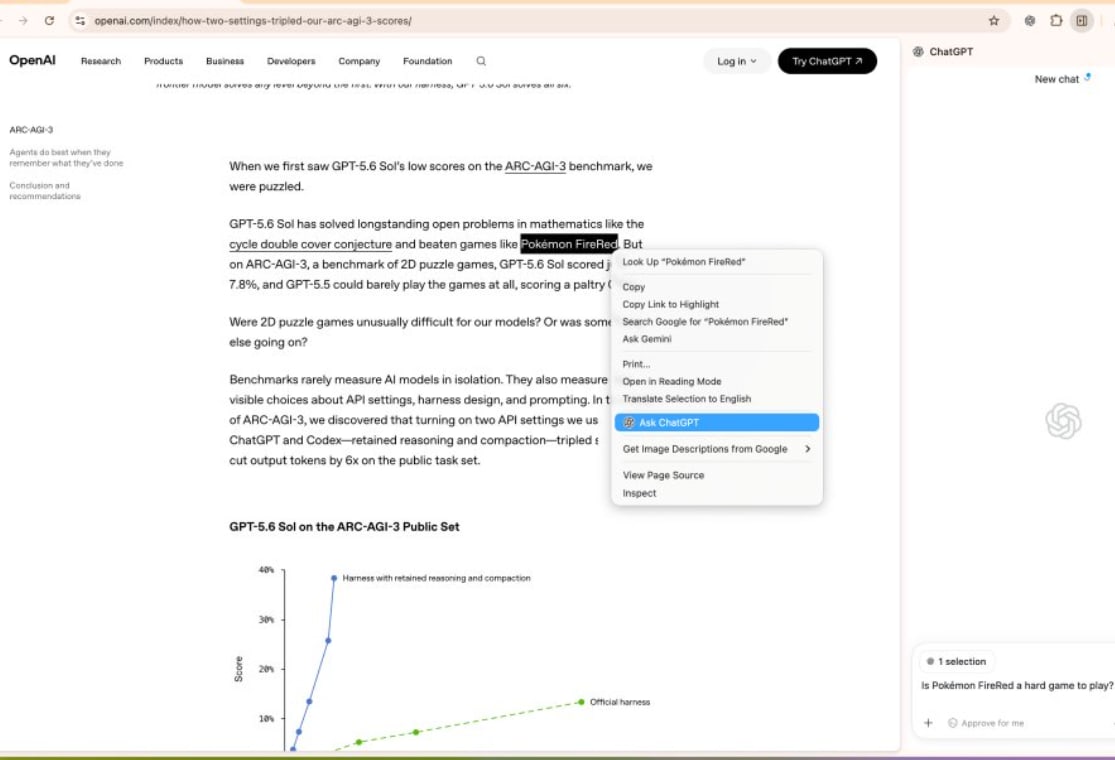
ChatGPT is an AI assistant made by OpenAI. It is designed to communicate in a natural conversational way and can help with writing, planning, coding, research, learning, data analysis, and creative work.
You can ask ChatGPT simple questions such as:
“Explain JavaScript closures in easy language.”
“Write a professional email to a client.”
“Create a Node.js login API using JWT.”
“Give me a 30-day SEO content plan.”
“Summarize this long document.”
ChatGPT is especially popular because it can continue a conversation with context. Instead of starting from zero every time, you can refine your request step by step.
For example, you can first ask for a blog outline, then request an introduction, then ask it to make the writing simpler, more SEO-friendly, or more suitable for a specific audience.
What Is Google Gemini?
Google Gemini is Google’s AI assistant. It is built to help users create content, understand information, plan tasks, and work more efficiently across Google products.
Gemini is useful for users who already depend on Google services such as Gmail, Google Docs, Google Drive, Google Sheets, Google Calendar, and Android.
For example, Gemini can be useful when you want to:
Summarize information from Google documents.
Draft replies for emails.
Organize ideas for a Google Doc.
Understand information from files.
Plan travel, meetings, or study tasks.
Work with content connected to Google services.
Gemini is also a strong option for people who want an AI assistant deeply connected to the Google ecosystem.
ChatGPT vs Gemini for Writing
For writing, both tools are useful. However, ChatGPT is usually better when you want more control over tone, structure, creativity, and revisions.
ChatGPT can create blog posts, landing-page copy, social-media posts, product descriptions, scripts, emails, resumes, and technical documentation. It is particularly useful when you want to improve a draft through multiple revisions.
ChatGPT generally performs well when you need a human-like, detailed, and engaging writing style.
Gemini is also capable of writing blogs, emails, summaries, and professional content. It can be especially convenient if your work already happens inside Google Docs or Gmail.
Winner for writing: ChatGPT
Choose ChatGPT if you are a blogger, content writer, marketer, freelancer, or business owner who needs flexible and polished writing.
ChatGPT vs Gemini for Coding
Both ChatGPT and Gemini can help developers write, review, explain, and debug code.
ChatGPT is widely used by developers because it can explain programming concepts in beginner-friendly language while also helping with real project tasks. It can assist with frontend, backend, APIs, databases, authentication, deployment, testing, and error debugging.
For example, a developer can ask ChatGPT to:
Build an Express.js API.
Fix a MongoDB connection error.
Explain a React component.
Create a SQL query.
Write unit-test cases.
Review code for security issues.
Convert JavaScript code to TypeScript.
ChatGPT is also good for iterative development. You can share an error, receive a solution, test it, and return with the next issue.
Gemini can also generate and explain code effectively. It is a useful choice for developers who work heavily with Google Cloud, Firebase, Android, Google Workspace, or Google-based development tools.
Winner for coding: ChatGPT
ChatGPT is generally the better all-round coding partner because of its conversational debugging, detailed explanations, and flexibility across different technologies.
ChatGPT vs Gemini for Research
AI tools can make research faster, but they should not be treated as the final source of truth.
ChatGPT is useful for turning a broad topic into a clear research plan. It can help you identify subtopics, create question lists, summarize provided sources, compare viewpoints, and organize findings.
Gemini can be useful for research tasks that connect naturally with Google’s ecosystem. Since Google is closely associated with web search and information discovery, Gemini can feel convenient for exploring topics and connecting research with documents and online information.
However, both tools can make mistakes, misunderstand a question, or provide outdated information. For important topics such as health, law, finance, security, academic research, or current news, always verify claims using reliable primary sources.
Winner for research: Depends on your workflow
Use ChatGPT for analysis, outlining, explanation, and turning research into useful content. Use Gemini when your workflow is strongly connected to Google services and Google-based information tools.
ChatGPT vs Gemini for Google Workspace
This is where Gemini has a major advantage.
If you spend most of your day in Gmail, Google Docs, Google Drive, Google Sheets, and Google Meet, Gemini can be a practical productivity assistant. It can help you draft emails, summarize documents, organize notes, prepare content, and work inside familiar Google tools.
For a business team using Google Workspace, this integration can reduce context switching. Instead of moving between several applications, users can receive AI assistance within their existing workflow.
ChatGPT can still help with these tasks, but Gemini is more natural for users whose work is already centered around Google products.
Winner for Google Workspace: Gemini
ChatGPT vs Gemini for Students
Students can use both tools for learning, but they should use AI as a study assistant rather than a shortcut for copying answers.
ChatGPT is great for explaining difficult concepts in simple language. A student can ask it to explain topics at different levels, create quizzes, generate practice questions, make revision notes, or create a study schedule.
Gemini is also useful for students, especially those who use Google Docs and Drive to store notes, assignments, and presentations.
The best approach is to use AI to understand concepts, not to submit AI-generated work without checking it. Always edit the output, add your own thoughts, and follow your school or college rules.
Winner for students: ChatGPT for learning, Gemini for Google-based study workflows
ChatGPT vs Gemini for Business and Marketing
Businesses can use AI to create first drafts faster, organize ideas, write customer emails, generate product descriptions, plan campaigns, and support internal teams.
ChatGPT is especially strong for marketing and content tasks, including:
SEO blog outlines
Website copy
Social-media calendars
Ad-copy ideas
Email campaigns
Customer-support templates
Product descriptions
Competitor-comparison outlines
Gemini is a strong choice for companies that already use Google Workspace. It can support internal productivity by helping teams work with documents, emails, and shared files.
Winner for marketing: ChatGPT
Winner for Google-based team productivity: Gemini
ChatGPT vs Gemini for Image and File Understanding
Both tools can work with images and files, depending on the plan and features available in your region.
ChatGPT can help users understand uploaded images, screenshots, charts, documents, and code files. It is useful for analyzing an error screenshot, extracting key information from a document, or explaining a chart.
Gemini is also known for multimodal capabilities, meaning it can work with different forms of information such as text, images, and files. It can be useful for understanding visual content and information stored in Google-based workflows.
For most users, the best choice depends less on image quality and more on what happens after the analysis. If you need to turn the result into a detailed plan, article, code solution, or conversation, ChatGPT may feel more flexible. If the file is part of your Google Drive workflow, Gemini may feel more convenient.
ChatGPT vs Gemini: Customization
ChatGPT offers strong customization through saved instructions and custom GPT-style workflows. This can be useful if you repeatedly perform similar tasks.
For example, you can create a dedicated assistant for:
SEO content writing
Customer support replies
JavaScript debugging
Resume improvement
Interview preparation
AI tool directory content
Social-media content planning
Gemini also supports personalized AI experiences and can be useful for creating focused assistants for specific tasks.
Winner for flexible custom workflows: ChatGPT
Is ChatGPT Better Than Gemini?
ChatGPT is better for many users who need detailed writing, coding support, brainstorming, conversations, and flexible workflows.
Gemini is better for users who work deeply inside Google’s ecosystem and want AI support across Gmail, Google Docs, Drive, Sheets, and Android.
There is no single winner for every person.
The better question is: What do you need AI to do every day?
Choose ChatGPT If You Need:
Better long-form writing support
Detailed coding help and debugging
Creative brainstorming
SEO content planning
Flexible conversations and follow-up questions
Custom AI workflows
Help with learning technical concepts
Strong support for freelancers, creators, and developers
Choose Gemini If You Need:
Better Google Workspace integration
Help inside Gmail and Google Docs
Google Drive-related productivity
Android-focused AI features
A convenient assistant for Google-based work
Faster access to AI within your existing Google workflow
Can You Use ChatGPT and Gemini Together?
Yes. Many people use both.
For example, you can use Gemini to organize work in Gmail, Docs, and Drive, then use ChatGPT for deeper writing, coding, SEO planning, business ideas, or technical problem-solving.
Using more than one AI tool can be useful because each platform has different strengths. The important thing is to avoid blindly trusting any AI response. Review the result, check facts, and protect private information.
ChatGPT vs Gemini Pricing
Both ChatGPT and Gemini offer free access with limitations. Their paid plans may provide additional features, higher usage limits, faster performance, access to advanced models, and extra productivity tools.
Pricing, plan names, model access, and regional availability can change frequently. Before subscribing, check the official ChatGPT and Gemini pricing pages in your country.
Do not choose a paid plan only because it sounds more advanced. First identify the work you do most often. A writer may value better content generation, a developer may value stronger coding support, and a Google Workspace user may value integration more than anything else.