15 Best AI Image Generators in 2026: Top Tools Compared
Discover the 15 best AI image generators in 2026. Compare image quality, realism, text generation, editing, pricing, and the best tools for creators.
AI image generators have become useful for much more than creating digital art. In 2026, they can help bloggers produce featured images, businesses create ad creatives, designers explore concepts, marketers make social-media posts, and developers generate visual assets for websites and apps.
However, no single AI image tool is best for every task. Some platforms create beautiful artistic images, while others are better for realistic product photos, readable text, editable vectors, brand-safe visuals, or quick social-media designs.
This guide compares 15 of the best AI image generators in 2026 to help you choose the right one for your work.
Quick Comparison: Best AI Image Generators in 2026
AI Image Generator | Best For | Free Option | Main Strength |
|---|---|---|---|
Midjourney | Artistic images and illustrations | No | High-quality visual style |
ChatGPT Images | Beginners and image editing | Limited | Easy prompt-based creation |
Adobe Firefly | Commercial design work | Yes, limited | Adobe workflow and safer commercial use |
Google Gemini | Realistic images and quick ideas | Yes | Simple AI image creation |
FLUX | Developers and photorealistic visuals | Depends on platform | Strong model ecosystem and control |
Ideogram | Posters, logos, and text in images | Yes | Better text rendering |
Leonardo AI | Game art and concept designs | Yes | Models, styles, and editing tools |
Canva AI | Social-media content | Yes | Design tools in one workspace |
Recraft | Vectors, icons, and branding | Yes | Editable design assets |
Stable Diffusion | Local generation and customization | Yes | Open-source flexibility |
Krea AI | Real-time image creation | Yes | Fast live generation |
Freepik AI | Designers needing multiple tools | Limited | Stock assets plus AI generation |
Microsoft Designer | Fast marketing graphics | Yes | Easy browser-based designs |
Playground AI | Experimenting with AI art | Yes | Beginner-friendly interface |
NightCafe | Creative AI art community | Yes, limited | Multiple styles and community features |
1. Midjourney — Best for Artistic AI Images
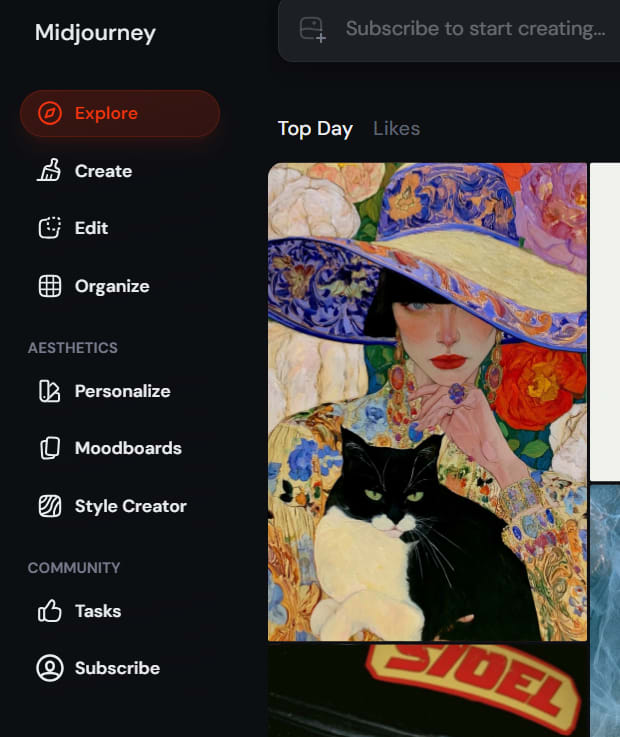
Midjourney remains one of the most popular AI image generators for artistic, cinematic, and highly stylized visuals. It is especially useful when you want images that feel polished, dramatic, imaginative, or professionally illustrated.
It performs well for fantasy scenes, concept art, fashion visuals, editorial-style artwork, book-cover ideas, and creative social-media posts. Midjourney can turn a detailed prompt into a visually impressive image with strong lighting, composition, and color.
The main limitation is that it may take time to learn prompting techniques. It is also not the ideal choice when you need precise text inside an image or pixel-perfect brand designs.
Best for: Artists, content creators, designers, and marketers who want visually striking images.
2. ChatGPT Images — Best for Beginners
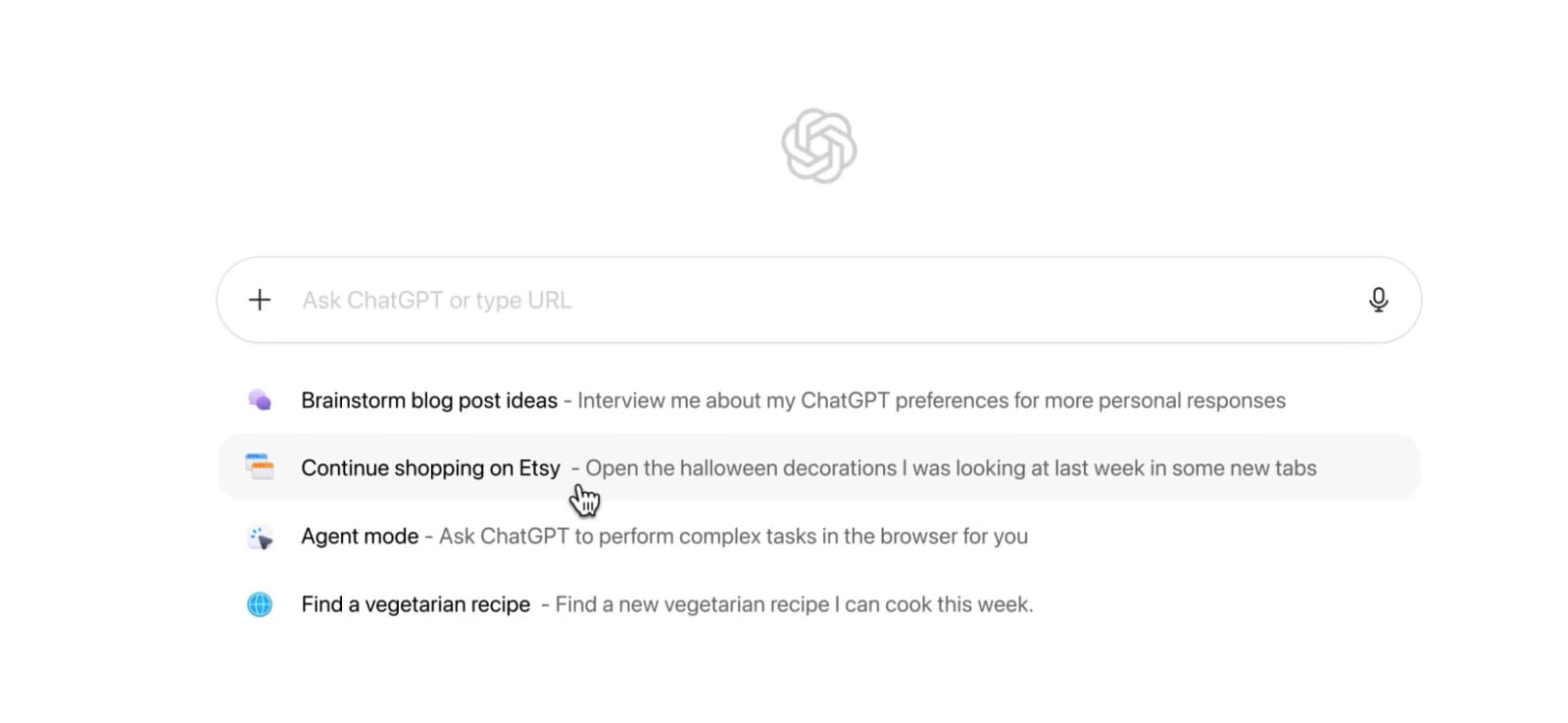
ChatGPT makes image generation easier because you can describe your idea in a natural conversation. Instead of learning complex prompt formats, you can ask for an image, review the result, and request changes such as “make the background darker” or “change the shirt color to blue.”
It is helpful for blog images, social-media visuals, product concepts, illustrations, thumbnails, and simple image edits. The conversational workflow is one of its biggest strengths.
For users who want a simple way to create and refine images without switching between many tools, ChatGPT is a practical option.
Best for: Beginners, bloggers, entrepreneurs, and users who prefer conversational editing.
3. Adobe Firefly — Best for Commercial Design Work
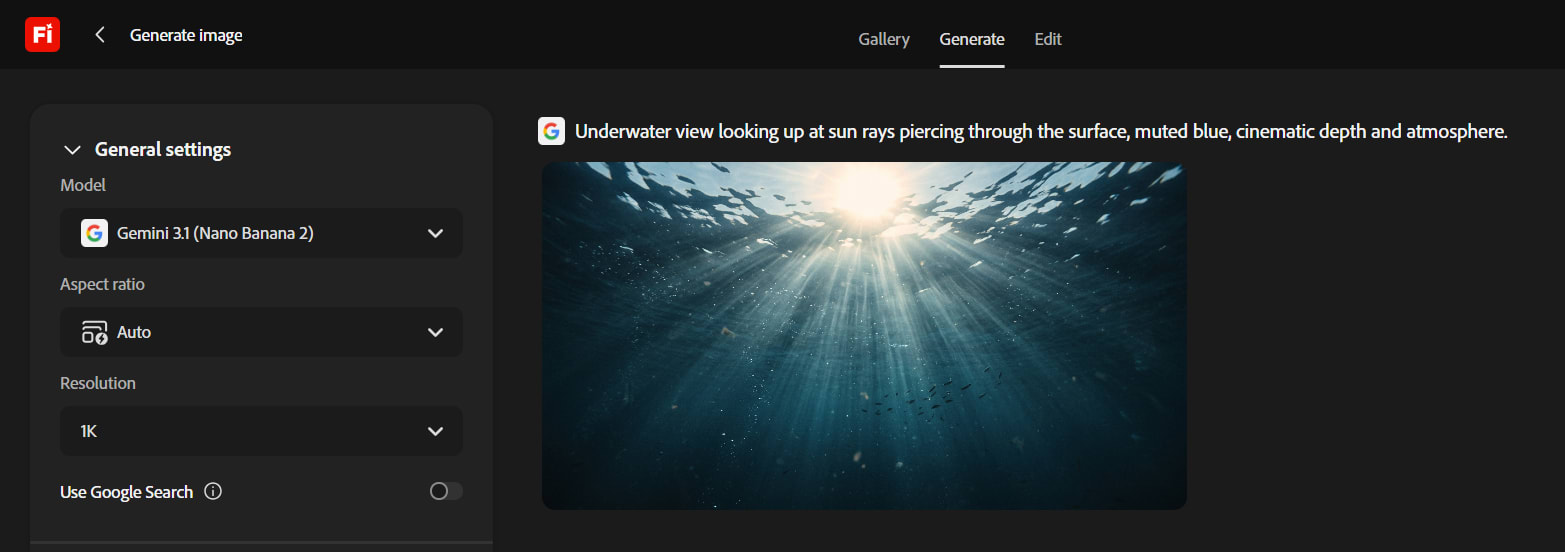
Adobe Firefly is designed for creators who already use tools such as Photoshop, Illustrator, and Adobe Express. It can generate images from text, add or remove objects, expand backgrounds, create text effects, and support design workflows.
One major reason businesses consider Firefly is Adobe’s focus on commercially safer AI generation. Adobe states that Firefly models are trained using licensed content and public-domain material, making it a strong option for marketing teams that need to think carefully about brand and legal risk.
Firefly is particularly useful when AI images need to become part of a professional design process rather than remain standalone images.
Best for: Businesses, agencies, Adobe users, and commercial design teams.
4. Google Gemini — Best for Quick Realistic Images
Google Gemini offers an easy way to create images from text prompts within a familiar AI-chat interface. It is useful for turning rough ideas into visuals quickly, especially for general illustrations, concept images, and realistic scenes.
Gemini is a good option for users who already use Google products and want AI image creation without learning a separate creative platform. It can be useful for brainstorming campaign visuals, presentation images, product concepts, and blog graphics.
Output quality can vary depending on the prompt, so it is best to generate several options and choose the strongest result.
Best for: Google ecosystem users, quick creative work, and realistic concepts.
5. FLUX — Best for Developers and Advanced Users
FLUX is a family of AI image models widely used through APIs, third-party platforms, and local workflows. It is known for strong photorealistic output, prompt understanding, and developer flexibility.
For developers, FLUX can be useful when building AI-image features into applications, content tools, e-commerce platforms, or automated creative workflows. Some versions can also be run locally, depending on the model license and hardware requirements.
FLUX is more technical than a simple browser-based tool, but it offers more control for people who need to customize their image-generation setup.
Best for: Developers, advanced creators, API projects, and photorealistic visuals.
6. Ideogram — Best for Text Inside Images
Most AI image generators still struggle when asked to create posters, signs, labels, or graphics containing accurate text. Ideogram is one of the stronger options for this specific task.
It is useful for creating social-media graphics, event posters, thumbnails, quote images, product labels, and promotional creatives. If your image needs readable words, titles, or short phrases, Ideogram is often a better first choice than art-focused tools.
It also works well for logo concepts and typography-based designs, although important business logos should still be reviewed and refined by a human designer.
Best for: Posters, ad creatives, thumbnails, text-heavy visuals, and logo concepts.
7. Leonardo AI — Best for Game Art and Concept Design
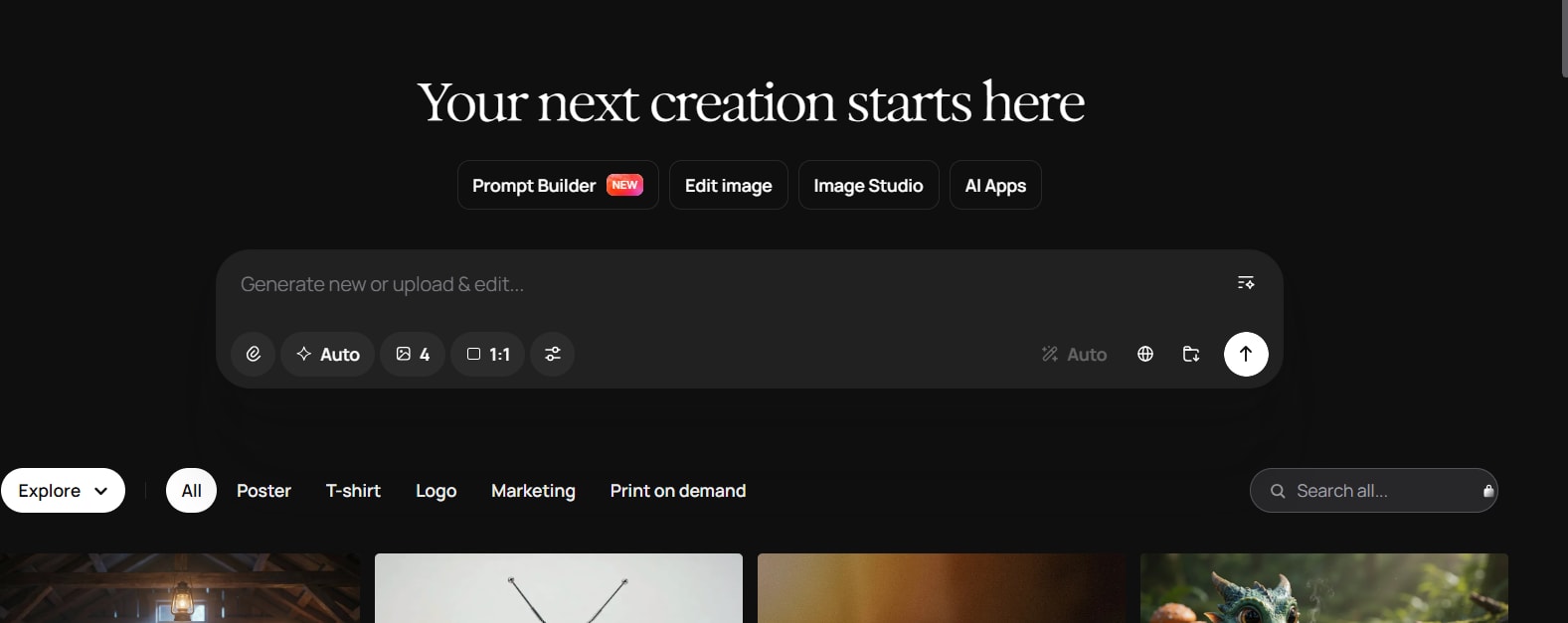
Leonardo AI is popular among creators who need game assets, characters, illustrations, concept art, and custom visual styles. It offers multiple models, image editing features, generation controls, and creative tools for refining output.
The platform is useful when you want to create a consistent visual direction across several images. For example, a game developer might use it to explore character outfits, environments, weapons, creatures, or user-interface concepts.
Leonardo AI also supports editing and upscaling workflows, which can make it useful beyond simple text-to-image generation. Leonardo AI
Best for: Game developers, concept artists, character creators, and digital illustrators.
8. Canva AI — Best for Social Media and Marketing Designs
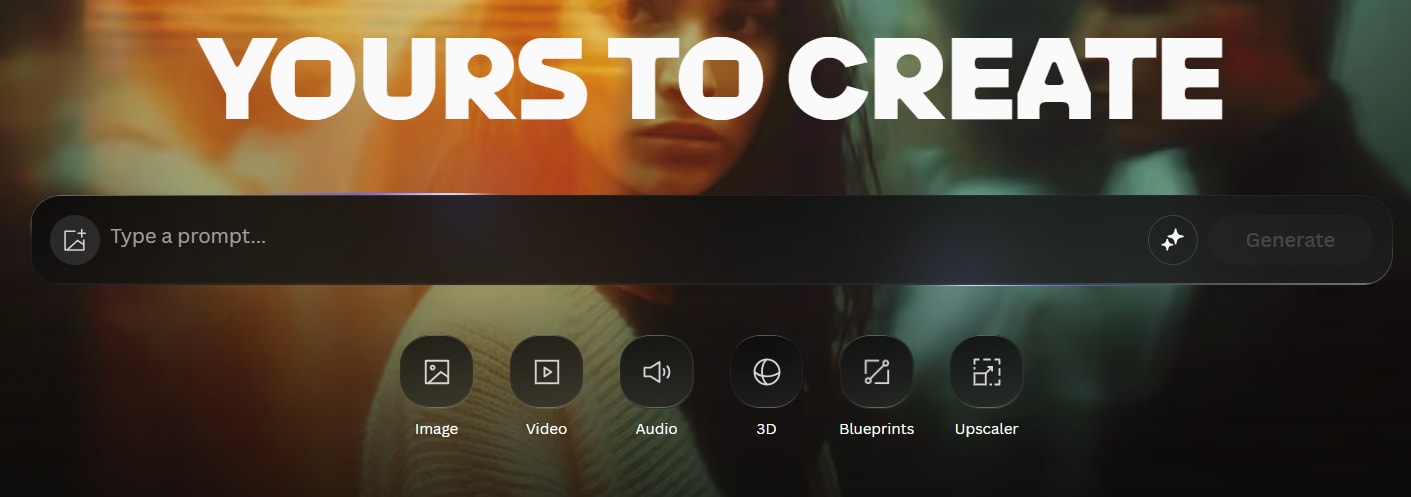
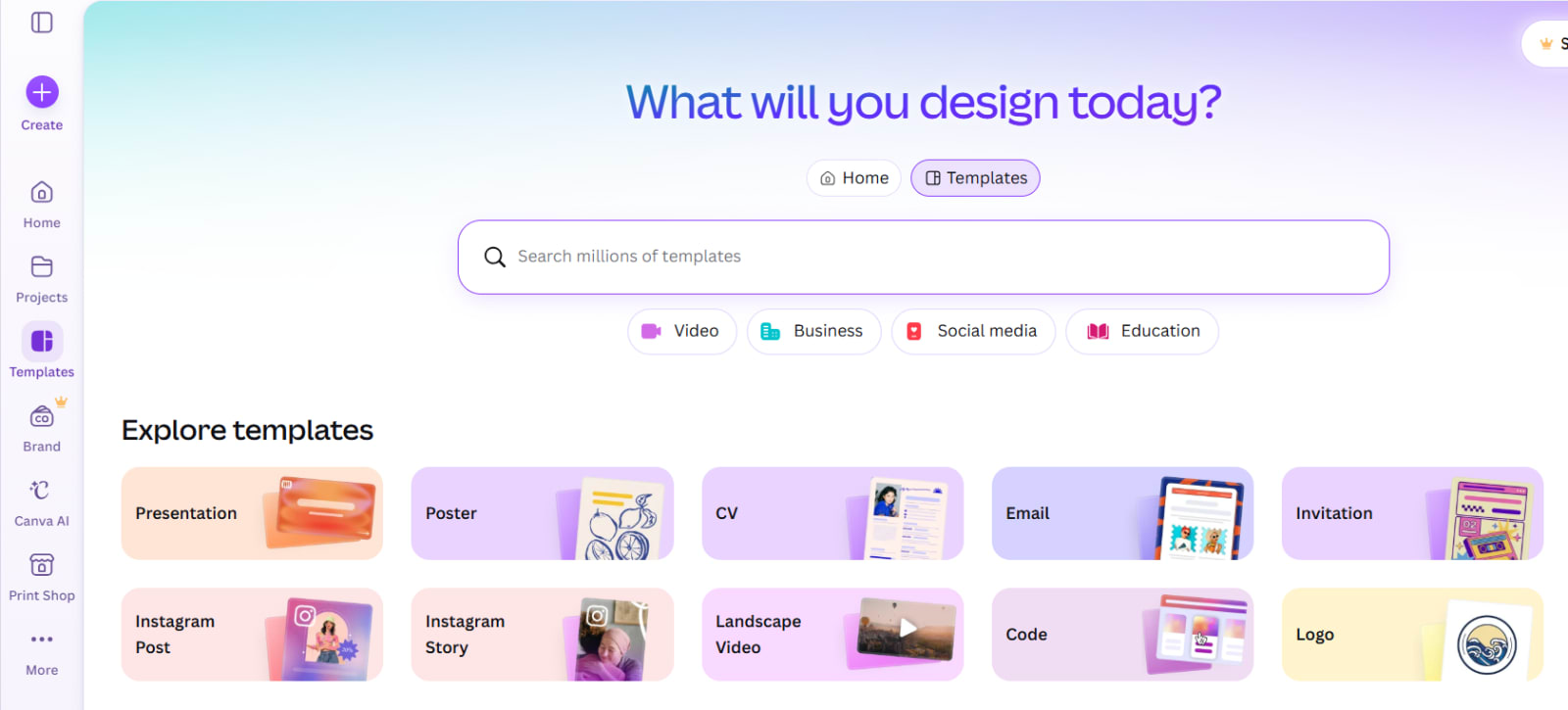
Canva AI is a practical choice for users who want to generate images and immediately place them into a complete design. You can create social posts, YouTube thumbnails, flyers, presentations, advertisements, and business graphics without moving files between several tools.
Its biggest advantage is workflow simplicity. A creator can generate an image, add text, choose a template, resize the design for different platforms, and export it from the same workspace.
Canva may not offer the same artistic control as Midjourney or Stable Diffusion, but it is one of the easiest options for everyday marketing work.
Best for: Social-media managers, students, small businesses, and non-designers.
9. Recraft — Best for Vectors, Icons, and Brand Assets
Recraft is designed for creating design-ready assets, including vectors, icons, logos, illustrations, and brand graphics. Unlike many AI image tools that only create raster images, Recraft is useful when you need output that can be edited and scaled.
This makes it valuable for website icons, app illustrations, packaging concepts, logo drafts, and branded visuals. Vector-based assets are especially useful because they can remain sharp at different sizes.
Recraft is a strong option for designers who need AI help but still want more control over the final asset.
Best for: Brand designers, UI designers, icon creation, and vector graphics.
10. Stable Diffusion — Best Open-Source AI Image Generator
Stable Diffusion remains one of the best-known open-source AI image-generation options. It gives users more control than many hosted platforms, especially when used with local tools such as ComfyUI or Automatic1111.
Users can choose custom models, install extensions, use ControlNet-style guidance, train style models, and create a more private image-generation workflow. The trade-off is that setup can be difficult for beginners, and local generation may require a capable graphics card.
Stable Diffusion is a strong choice for users who want flexibility rather than a simple one-click solution.
Best for: Technical users, local AI workflows, custom models, and privacy-focused creators.
11. Krea AI — Best for Real-Time Visual Experimentation
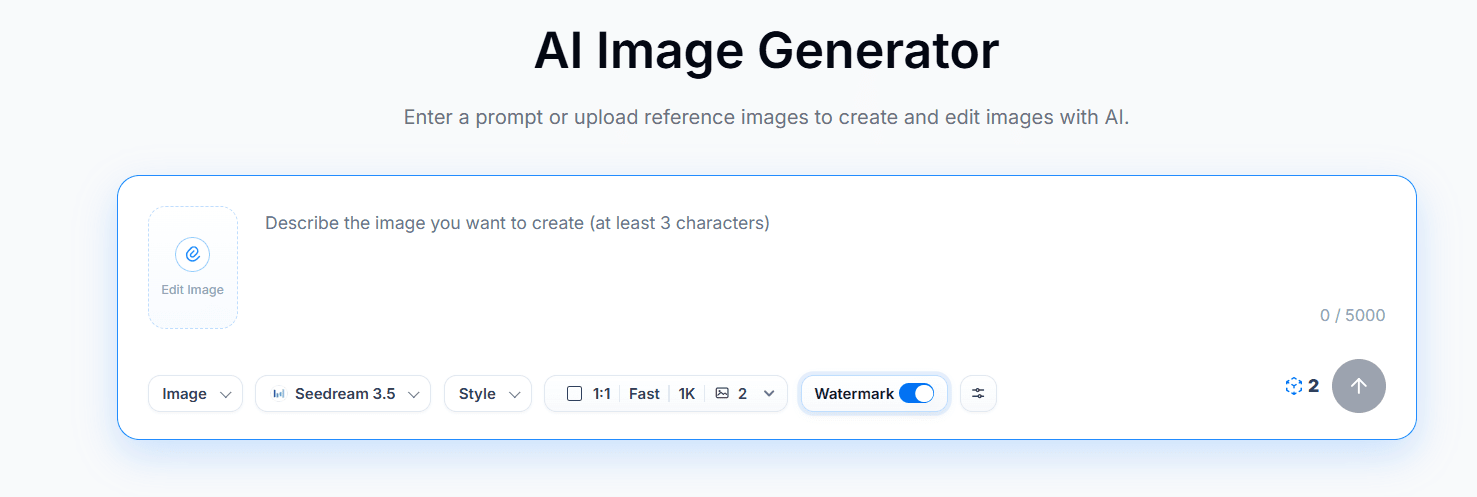
Krea AI is useful for people who enjoy experimenting with visuals in real time. It can help creators see changes quickly while adjusting prompts, styles, composition, and references.
The platform is particularly useful for fast idea exploration. Designers can test multiple visual directions before committing to a final concept, which may save time in early creative stages.
Krea is not only about creating one finished image; it is also about making the visual ideation process feel more interactive.
Best for: Creative exploration, live generation, style testing, and quick concepts.
12. Freepik AI — Best for Designers Who Need Stock Assets Too
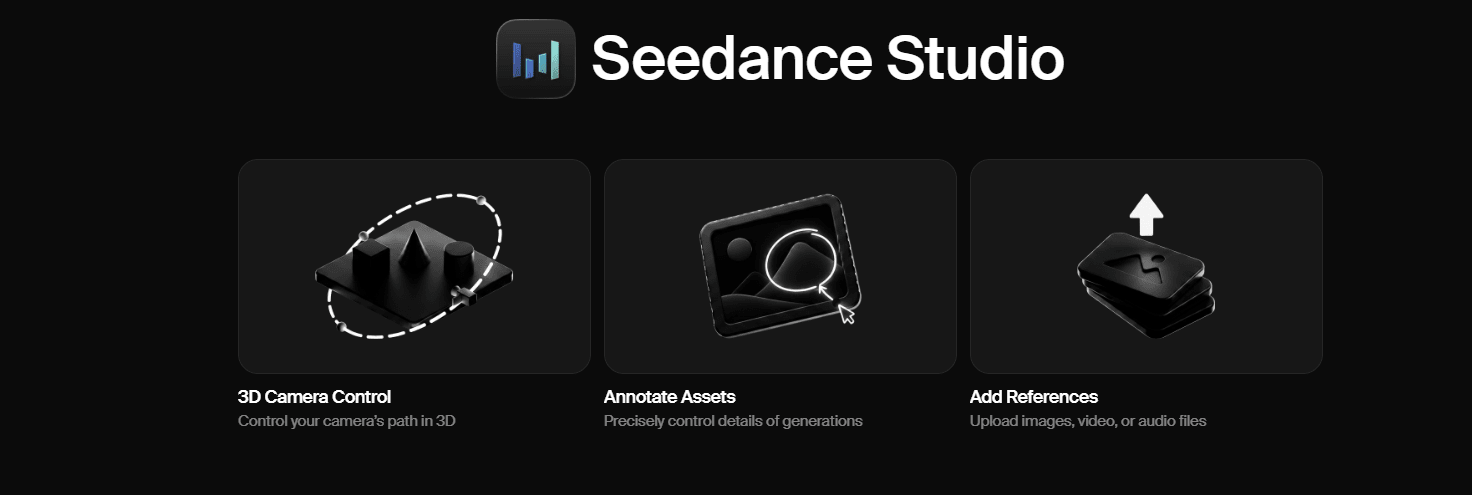
Freepik is already known for stock images, vectors, templates, and design resources. Its AI tools add image generation, editing, background removal, upscaling, and other creative features to that ecosystem.
This can be useful for designers who need both AI-generated visuals and traditional stock assets. Instead of searching across multiple websites, users can create, edit, and combine resources in one place.
It is a solid option for marketing teams that regularly produce banners, product visuals, presentations, and social-media content.
Best for: Designers, marketers, and teams that use stock assets regularly.
13. Microsoft Designer — Best for Fast Marketing Graphics
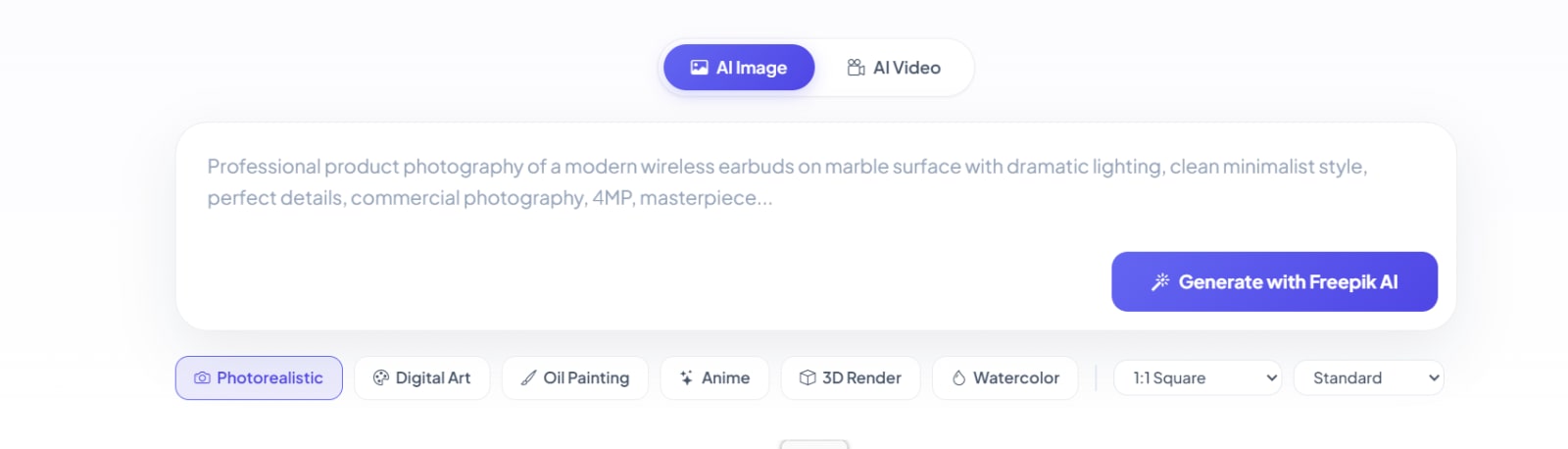
Microsoft Designer is built for quick visual creation. It helps users create social-media posts, invitations, banners, advertisements, and other simple marketing assets using AI assistance.
The platform is easy to use, especially for people who do not have professional design experience. You can enter a short description, choose from generated visual ideas, and modify the layout before exporting.
It may not replace advanced design software, but it is helpful when speed matters more than detailed creative control.
Best for: Small businesses, quick campaigns, and simple promotional graphics.
14. Playground AI — Best for Experimenting With AI Art
Playground AI is a beginner-friendly option for people who want to test different AI art styles without a complex setup. It can be used for illustrations, backgrounds, social-media visuals, digital art, and creative experiments.
Its simple interface makes it approachable for users who are still learning how prompts affect the final image. It is also a useful place to test visual ideas before moving to a more advanced platform.
The tool is best for exploration rather than highly controlled production work.
Best for: Students, hobbyists, beginners, and AI-art experimentation.
15. NightCafe — Best for AI Art Communities
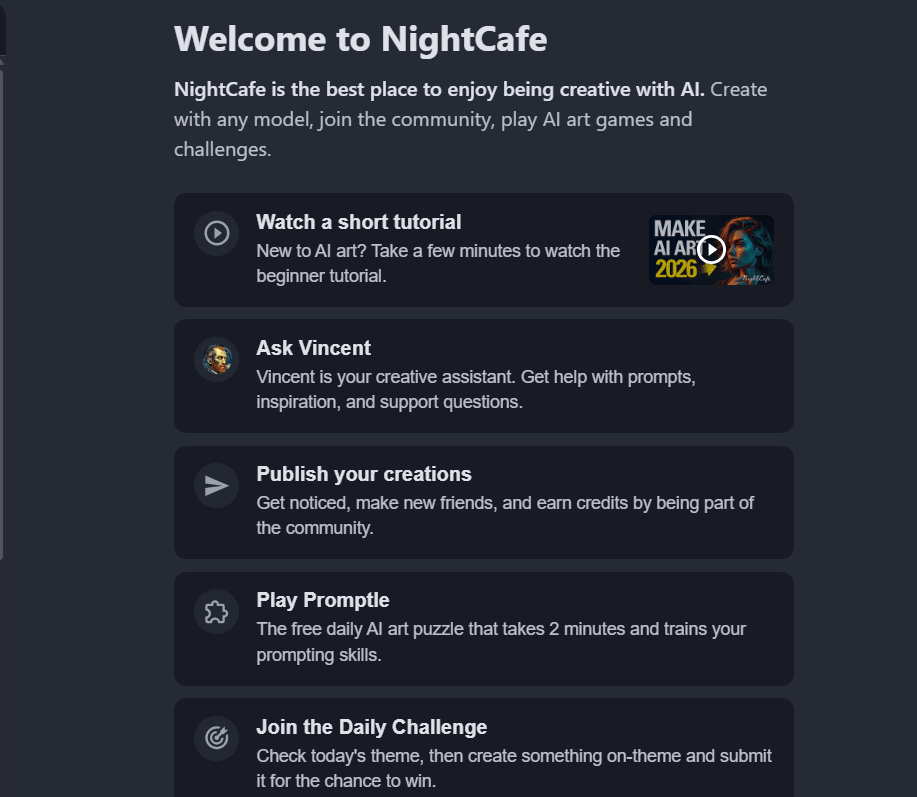
NightCafe combines AI art generation with a creator community. Users can create images, explore different styles, join challenges, and see work made by other artists.
It supports different generation models and provides a simple route for people who want to create AI artwork without technical setup. The community aspect can also be motivating for beginners who want prompt ideas and feedback.
NightCafe is more focused on creative expression than business design workflows.
Best for: Hobby artists, creative communities, and AI-art challenges.
How to Choose the Right AI Image Generator
Choose your tool based on the actual result you need.
Your Need | Recommended Tool |
|---|---|
Beautiful artistic images | Midjourney |
Easy image creation and edits | ChatGPT Images |
Commercial marketing work | Adobe Firefly |
Realistic concepts | Google Gemini or FLUX |
Posters and readable text | Ideogram |
Game characters and concept art | Leonardo AI |
Social-media posts | Canva AI |
Logos, icons, and vectors | Recraft |
Local and open-source generation | Stable Diffusion |
Live creative experimentation | Krea AI |
Are AI-Generated Images Safe for Commercial Use?
It depends on the tool, its terms, the model used, and how you plan to use the image. Some tools offer clearer commercial-use terms than others, while open-source models may have separate licenses that need review.
For business work, avoid generating images that copy a living artist’s exact style, use protected logos, imitate celebrities, or make misleading claims. If you are creating content for a large brand, advertising campaign, or product packaging, review the platform’s current commercial terms before publishing.
Tips for Creating Better AI Images
A good prompt is not only a short idea. Add useful details about the subject, environment, lighting, angle, mood, colors, and final format.
For example, instead of writing:
“Create an office image”
Try:
“Modern technology startup office in Delhi, diverse team discussing a product dashboard, natural window light, professional editorial photography, wide composition for a website hero banner.”
Generate more than one result, then compare them carefully. Small changes in wording can create very different images.
Bottom Line
The best AI image generator in 2026 depends on what you want to create.
Midjourney is a strong choice for artistic visuals. ChatGPT Images is easier for beginners. Adobe Firefly fits commercial design workflows, Ideogram is useful for text-heavy graphics, Recraft is ideal for vectors, and Stable Diffusion gives advanced users maximum flexibility.
For most creators, using two or three tools is often better than depending on one platform. Use the right tool for each task, review every output carefully, and add your own creative judgment before publishing.