Best Free AI Image Generators in 2026: Top Picks Compared
Compare the best free AI image generators in 2026. Discover top tools for photorealistic images, text, design, creativity, and unlimited AI image generation
Intoduction
AI image generators have become useful for much more than creating fun artwork. In 2026, creators use them for blog banners, social-media graphics, product concepts, YouTube thumbnails, presentations, ad ideas, illustrations, and design mockups.
The good news is that you do not need to pay immediately to start. Several popular AI image tools offer free plans, although most now include monthly credits, daily tokens, watermarks, slower queues, or limited access to premium models.
This guide compares the best free AI image generators in 2026 and helps you choose the right one for your needs.
For more options, explore our collection of AI image generators.
Quick Comparison: Best Free AI Image Generators
Tool | Best for | Free access | Main strength |
|---|---|---|---|
Leonardo AI | Artwork, game assets, creative control | Daily tokens | Strong styles and customization |
Microsoft Designer | Beginners and social posts | Monthly AI credits | Simple design and editing tools |
Adobe Firefly | Commercial-style creative work | Limited free generations | Adobe workflow and editing features |
Canva AI | Social media and presentations | Limited AI uses | Generate and design in one place |
Google Gemini | Fast everyday image ideas | Limited free image generation | Prompt understanding and fast iteration |
Playground AI | Creative experiments | Free tier available | Easy image creation interface |
Free-plan limits can change by country, account type, and platform demand. Always check each tool’s current pricing page before using it for a large project.
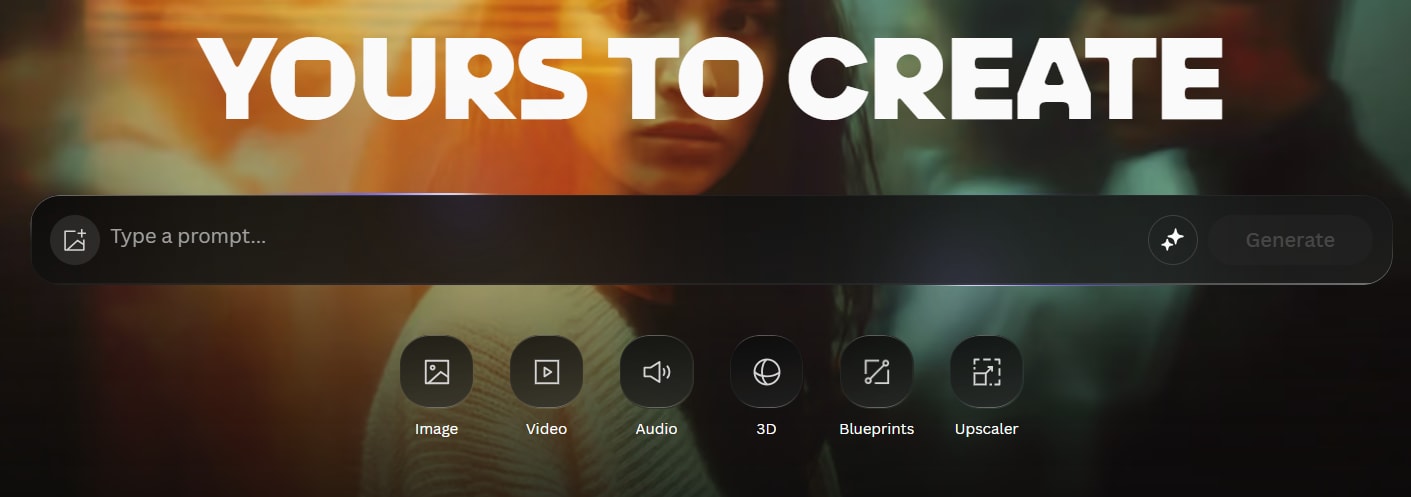
1. Leonardo AI — Best Free AI Image Generator for Creative Control
Leonardo AI is one of the strongest choices for people who want more control over the final result. It is popular with designers, gamers, marketers, and creators who need character art, concept visuals, product-style images, fantasy scenes, and detailed illustrations.
The platform gives free users daily tokens that refresh regularly. This makes it more practical for frequent experimenting than tools that only give a small monthly credit balance.
Why Leonardo AI stands out
Multiple visual styles and AI models
Useful controls for image size, style, and variation
Good for character design and concept art
Daily free-token system
Image-to-image and editing options
Limitations
Advanced features consume tokens quickly
Free outputs may have privacy or usage restrictions
The interface can feel more complex for first-time users
Best for: Creators who want to make artwork, gaming visuals, thumbnails, illustrations, or unique brand concepts.
2. Microsoft Designer — Best for Beginners
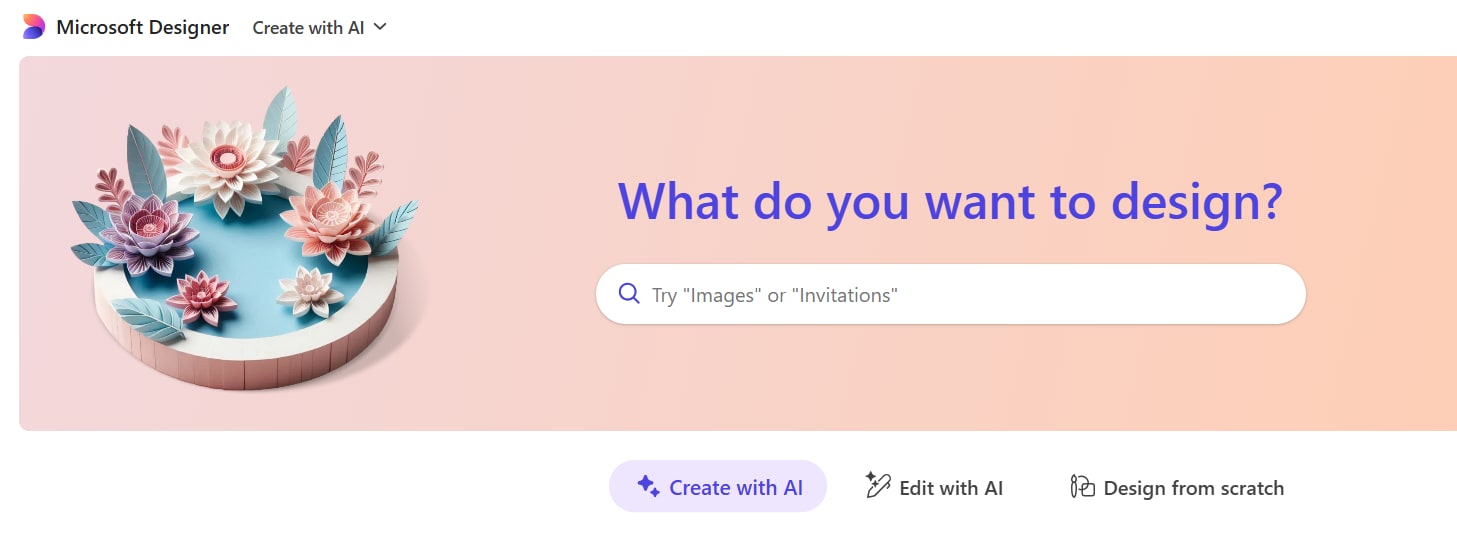
Microsoft Designer is a simple option for users who want to create images without learning complicated settings. You can generate visuals from a prompt and turn them into social posts, invitations, banners, greeting cards, collages, stickers, and more.
It is especially useful if your goal is not only generating an image but also placing that image inside a finished design.
Why Microsoft Designer stands out
Beginner-friendly interface
AI image generation and editing in one tool
Useful templates for social media and marketing
Background removal, object editing, resizing, and design tools
Works well for quick business graphics
Limitations
Free accounts use a monthly AI-credit allowance
Less detailed creative control than Leonardo AI
High-demand periods may affect generation speed
Best for: Beginners, small businesses, students, and social-media creators.
3. Adobe Firefly — Best for Professional Creative Work
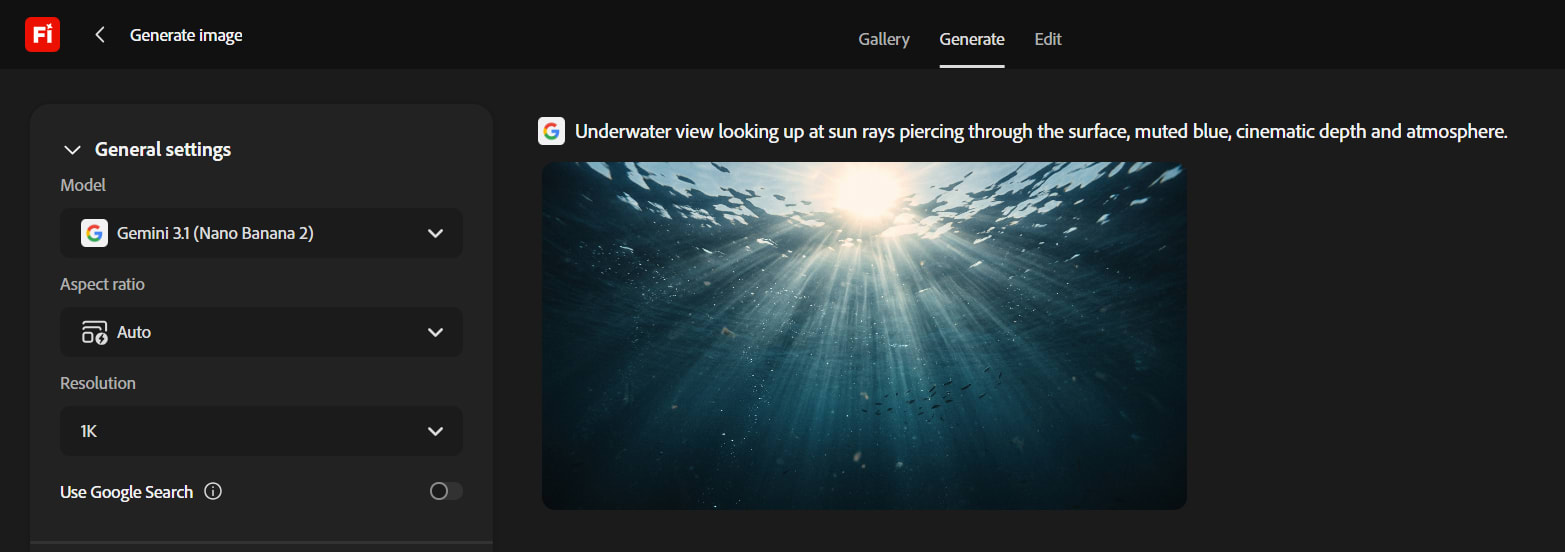
Adobe Firefly is a strong choice for creators who already use Adobe Express, Photoshop, Illustrator, or other Adobe tools. It can generate images from text, help with image editing, create design elements, and support visual brainstorming.
Adobe offers limited free generations, making Firefly good for testing ideas or producing occasional visuals.
Why Adobe Firefly stands out
Built for the Adobe creative ecosystem
Text-to-image generation
Generative Fill-style editing workflows
Useful for marketing visuals and design concepts
Supports multiple creative AI features beyond images
Limitations
Free generations are limited
Some models and higher-quality features require credits
Heavy users will likely need a paid plan
Best for: Designers, marketers, and creators who use Adobe tools or need polished visual assets.
4. Canva AI — Best for Social Media, Blogs, and Presentations
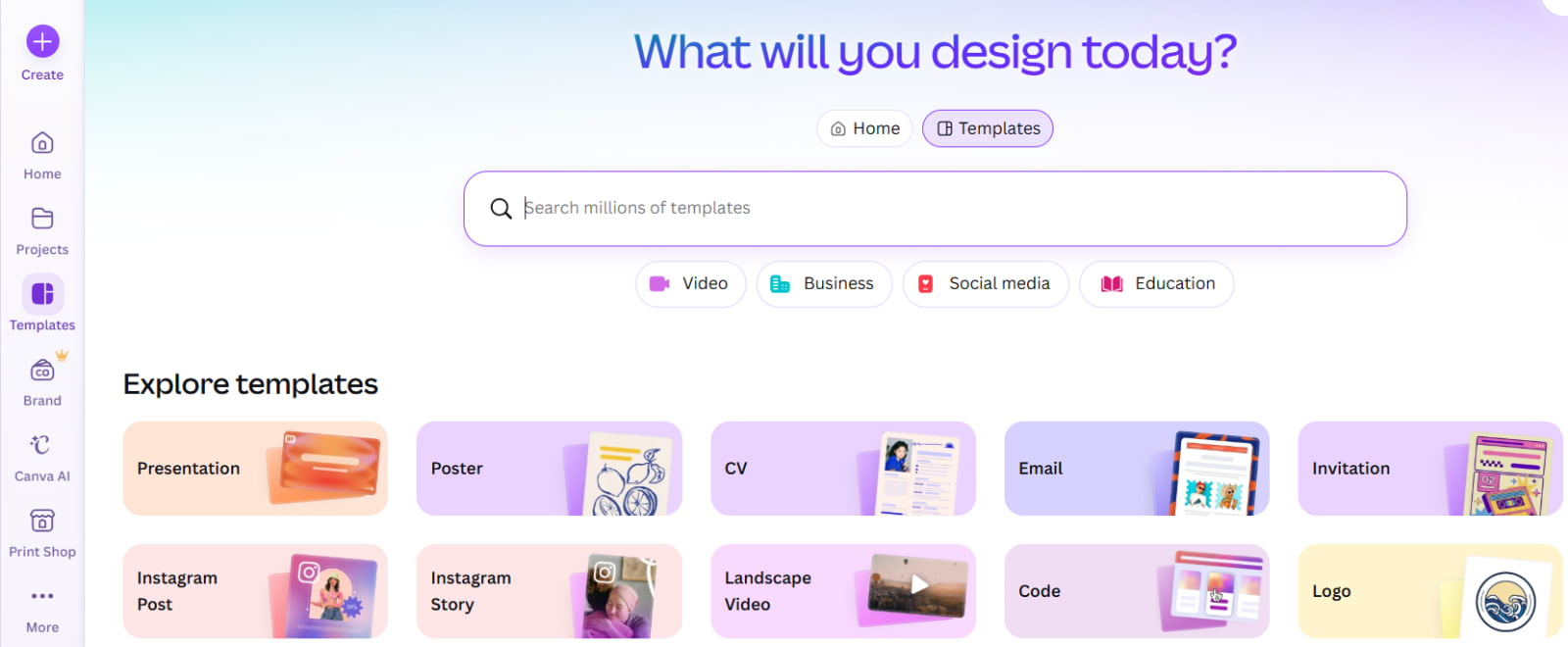
Canva is already one of the easiest design platforms for non-designers. Its AI image tools make it even more useful because you can create an image and immediately add text, branding, templates, animations, and layout elements.
Instead of downloading an image and editing it somewhere else, Canva lets you complete the whole design in one workspace.
Why Canva AI stands out
Create images directly inside social-media templates
Good for blog featured images and presentation slides
Easy text, logo, color, and layout editing
Large template library
Beginner-friendly workflow
Limitations
Free AI usage is limited
Premium AI models may consume the allowance faster
Less detailed control than specialized image-generation platforms
Best for: Bloggers, students, marketers, business owners, and creators who need finished designs quickly.
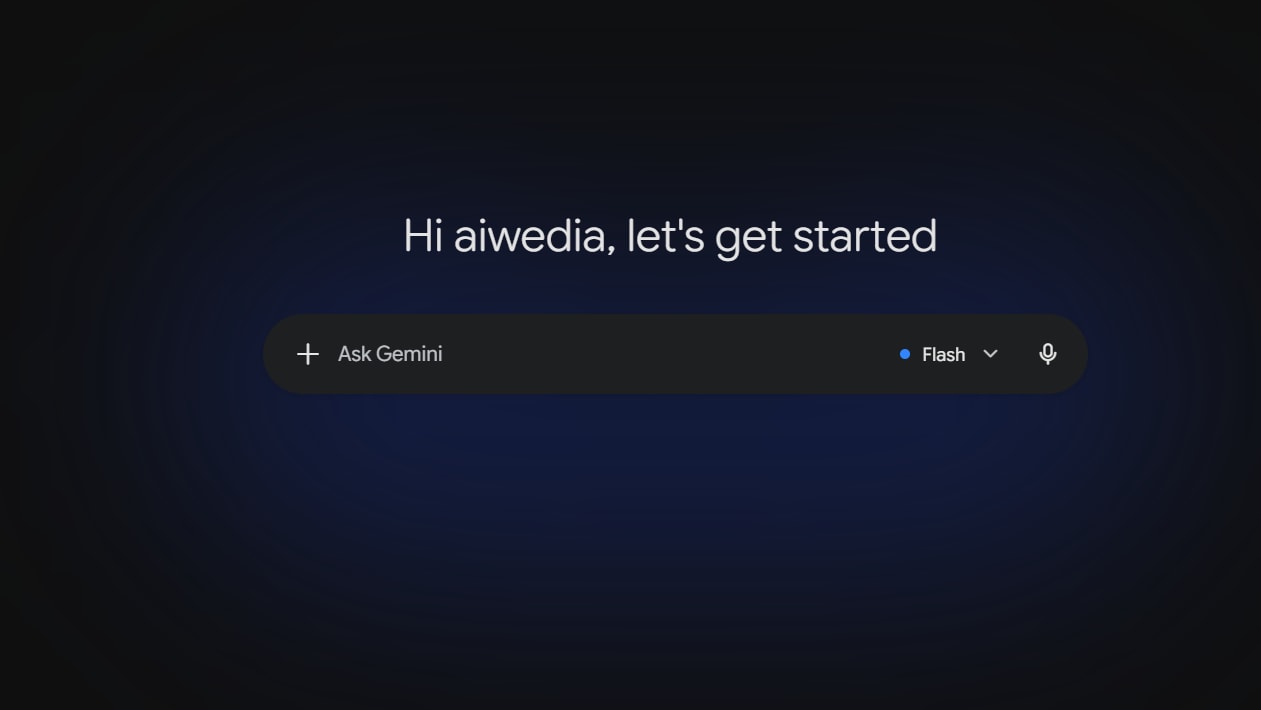
5. Google Gemini — Best for Fast Image Ideas
Google Gemini is useful for people who want a conversational way to create images. You can describe an idea, ask for changes, refine the style, and request variations within the same chat.
For example, you can start with “Create a futuristic AI workspace” and then ask Gemini to make it darker, add neon lights, change the angle, or make it suitable for a website banner.
Why Google Gemini stands out
Easy prompt refinement through chat
Good prompt understanding
Fast for brainstorming visual concepts
Useful for everyday images, illustrations, and ideas
Accessible for users already familiar with Google tools
Limitations
Free image generation is limited and may change over time
Fewer advanced controls than dedicated art platforms
Not ideal for high-volume production without a paid plan
Best for: Quick ideas, blog visuals, simple illustrations, and users who prefer chat-based creation.
6. Playground AI — Best for Experimenting With Styles
Playground AI is designed for creative experimentation. It is a useful option when you want to test prompts, explore styles, and generate artistic visuals without immediately paying for a subscription.
Its interface is generally approachable, and it can be a good starting point for users learning how prompts influence AI-generated images.
Why Playground AI stands out
Easy to test different visual concepts
Good for experimenting with prompts
Helpful for artwork and creative exploration
Free plan available for getting started
Limitations
Free limits and feature availability can change
Advanced tools may be locked behind paid plans
Output quality can vary depending on the selected model and prompt
Best for: Beginners who want to practice prompting and explore different image styles.
Which Free AI Image Generator Is Best?
The best tool depends on what you want to create.
If you need… | Choose |
|---|---|
Detailed art, characters, or game assets | Leonardo AI |
Social posts, banners, and quick designs | Microsoft Designer or Canva AI |
Adobe-based creative workflows | Adobe Firefly |
Fast image ideas through a chat interface | Google Gemini |
Prompt testing and creative experiments | Playground AI |
How to Get Better AI Images
The tool matters, but your prompt matters even more. A vague prompt usually gives a generic image. Add details about the subject, style, lighting, composition, mood, camera angle, colors, and aspect ratio.
For example, instead of writing:
“Create an AI office”
Try:
“Modern AI startup office at night, developers working with holographic dashboards, blue and purple neon lighting, cinematic wide-angle view, realistic photography, website hero-banner composition.”
This gives the AI more information and usually produces a stronger result.
Important Things to Check Before Using AI Images
Before publishing an AI-generated image on your website, YouTube channel, ad campaign, or client project, check these points:
Review the tool’s current commercial-use terms.
Avoid using images that copy famous characters, artists, logos, or brands.
Check whether free images are public by default.
Create multiple versions before selecting the final image.
Review hands, text, faces, logos, and product details carefully.
Use image compression and descriptive alt text before uploading to your website.
Are Free AI Image Generators Really Free?
Yes, but “free” usually means limited use. Most platforms offer a certain number of daily tokens, monthly credits, or generations. When the limit ends, you may need to wait for it to reset or upgrade to a paid plan.
For casual users, bloggers, and beginners, free plans are often enough. For agencies, ecommerce stores, or people generating many images every day, a paid plan may become necessary.
Bottom Line
The best free AI image generator in 2026 is not the same for everyone. Leonardo AI is a great pick for creative control, Canva AI and Microsoft Designer are excellent for ready-to-publish designs, Adobe Firefly fits Adobe-focused workflows, and Google Gemini is convenient for quick image ideas.
Start with one tool based on your main use case, learn how to write better prompts, and compare results before paying for a subscription. The right free tool can already help you create professional-looking visuals for content, business, and creative projects.